

Prevent This: They Stole Everything. They Encrypted Nothing
Ransomware attacks without ransomware. Data theft without detection. The threat actors are already changing their playbook. Can you keep up?

What Happened?
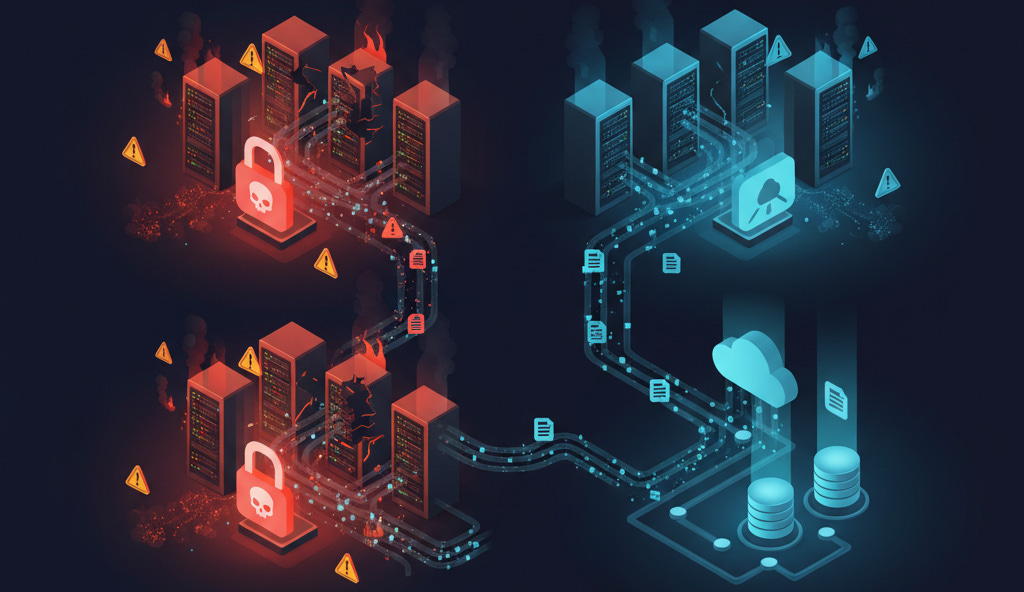
In January 2026, the Clop ransomware group published 43 new victims to its leak site in a single 24-hour period. Among them: Hilton, The Weather Company, multiple law firms, managed service providers, financial institutions, and universities across the U.S., U.K., Europe, Canada, and New Zealand.
The attackers never encrypted a single file. They did not need to. They exploited vulnerabilities in file transfer software, extracted sensitive data, and threatened to publish it. Pay up or your data goes public.
This was not an anomaly. It was the new playbook.
Clop pioneered this approach at scale with the MOVEit Transfer campaign in 2023, impacting approximately 2,000 organizations and 17 million individuals without deploying any encryption. They have continued refining the model ever since.
The BianLian group followed the same evolution. After a free decryptor neutralized their encryption capability in 2023, BianLian pivoted entirely to stealing data and demanding payment to keep it private. Their ransom demands have climbed from an average of $100,000 to $350,000 to around $3 million per victim. No encryption required.
And they are not alone. Karakurt. RansomHouse. A growing number of threat actors have abandoned encryption entirely. They steal your data, send you a ransom note, and wait. If you do not pay, your files appear on a leak site for competitors, criminals, and regulators to find.
Why Should You Care?
The numbers show a dramatic shift:
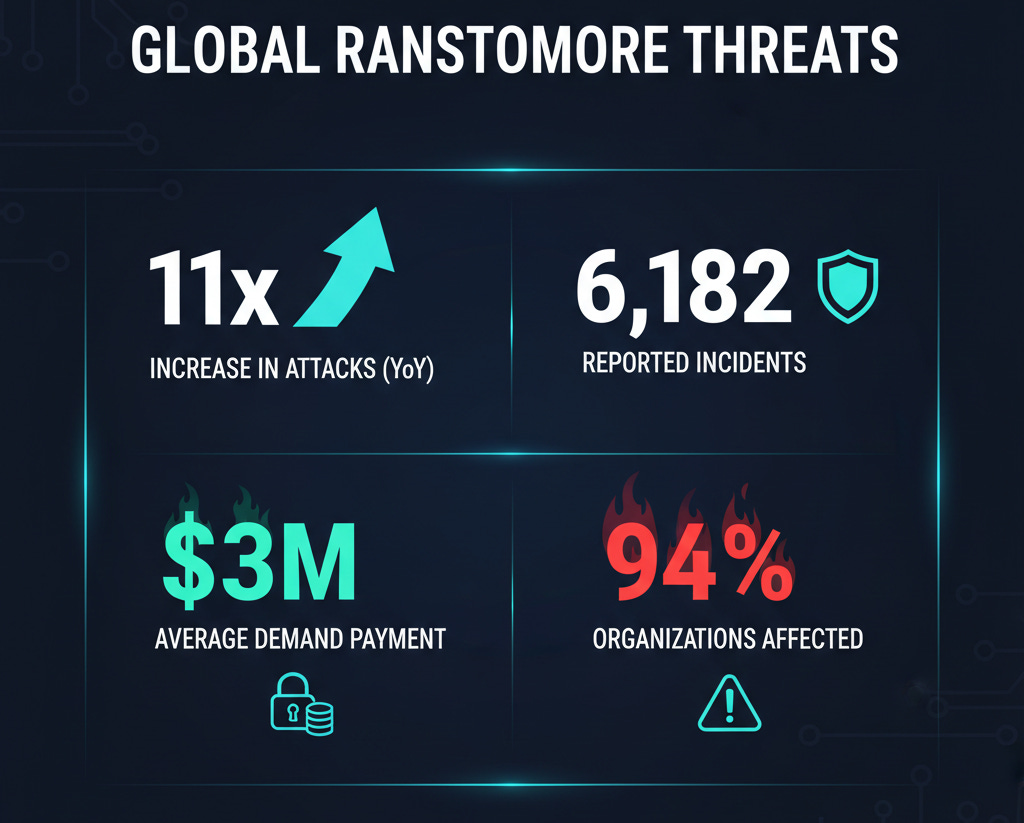
Elevenfold increase: Data extortion-only attacks rose from 2% of incident response cases to 22% between November 2024 and November 2025
6,182 extortion attacks occurred in 2025, a 23% increase over 2024, with data-theft-only attacks driving the growth
6% of ransomware attacks in 2025 involved no encryption at all, double the 3% seen in 2024
Average dwell time for exfiltration attacks can stretch to weeks or months, compared to hours or days for encryption attacks
94% of leaked passwords are reused across multiple accounts, giving attackers easy paths from one breach to your network
Here is what makes this worse: your backup strategy will not help you.
Organizations have spent years building robust backup and recovery capabilities to survive ransomware. Attackers noticed. If your systems can be restored in hours, encryption loses its leverage. But stolen data cannot be “restored.” Once it is out, it is out. You cannot undo the leak of customer records, employee Social Security numbers, or proprietary business information.
This is why attackers are pivoting. Encryption was always just a means to an end. The real leverage is the data itself.
How Does This Work?
Think of it like a silent burglary versus a smash-and-grab.
Traditional ransomware is loud. Files stop opening. Ransom notes appear on every screen. Systems grind to a halt. Security teams scramble. Everyone knows something is wrong.
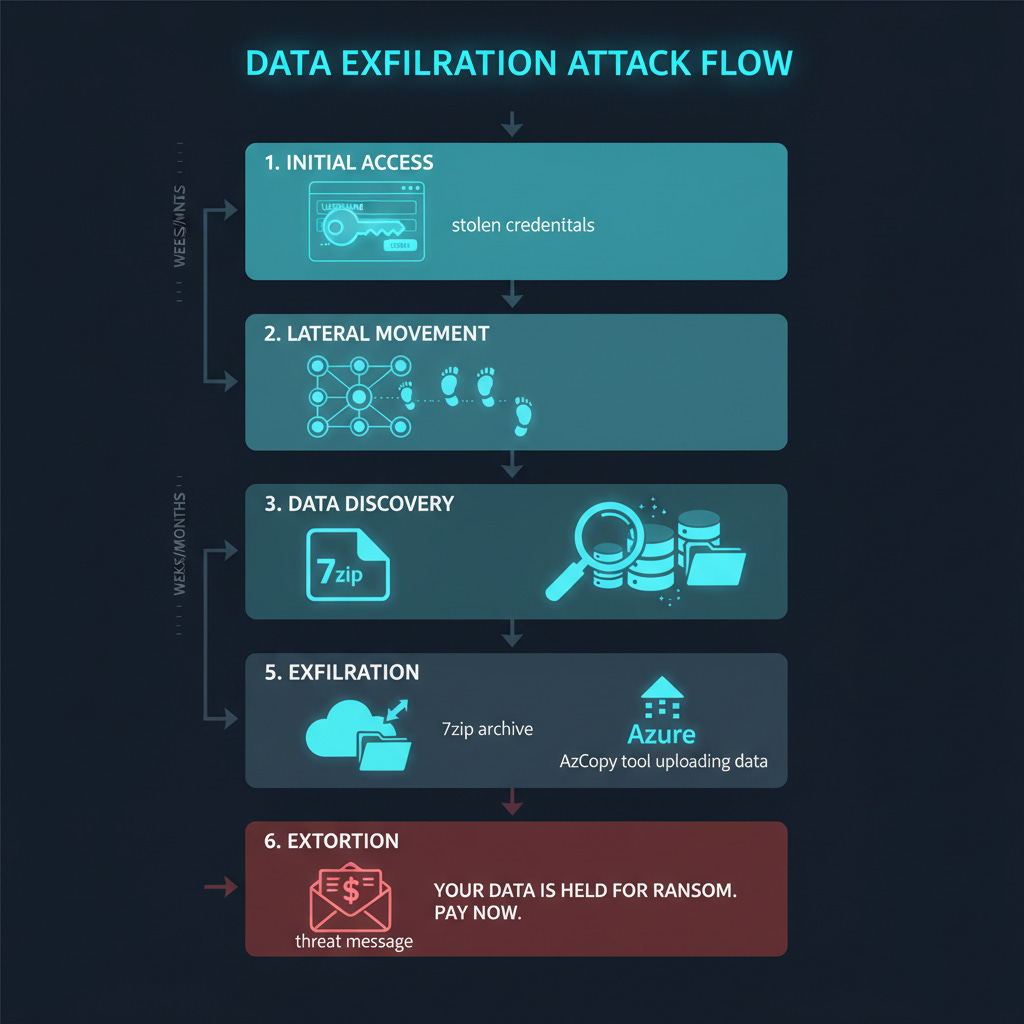
Exfiltration-only attacks are quiet. The attacker gains access (often through stolen credentials or a vulnerable internet-facing system), moves laterally to find valuable data, and copies it out of the network. No files are modified. No services go offline. No alarms ring. The first indication that anything happened may be a ransom note in your inbox, weeks after the theft occurred.
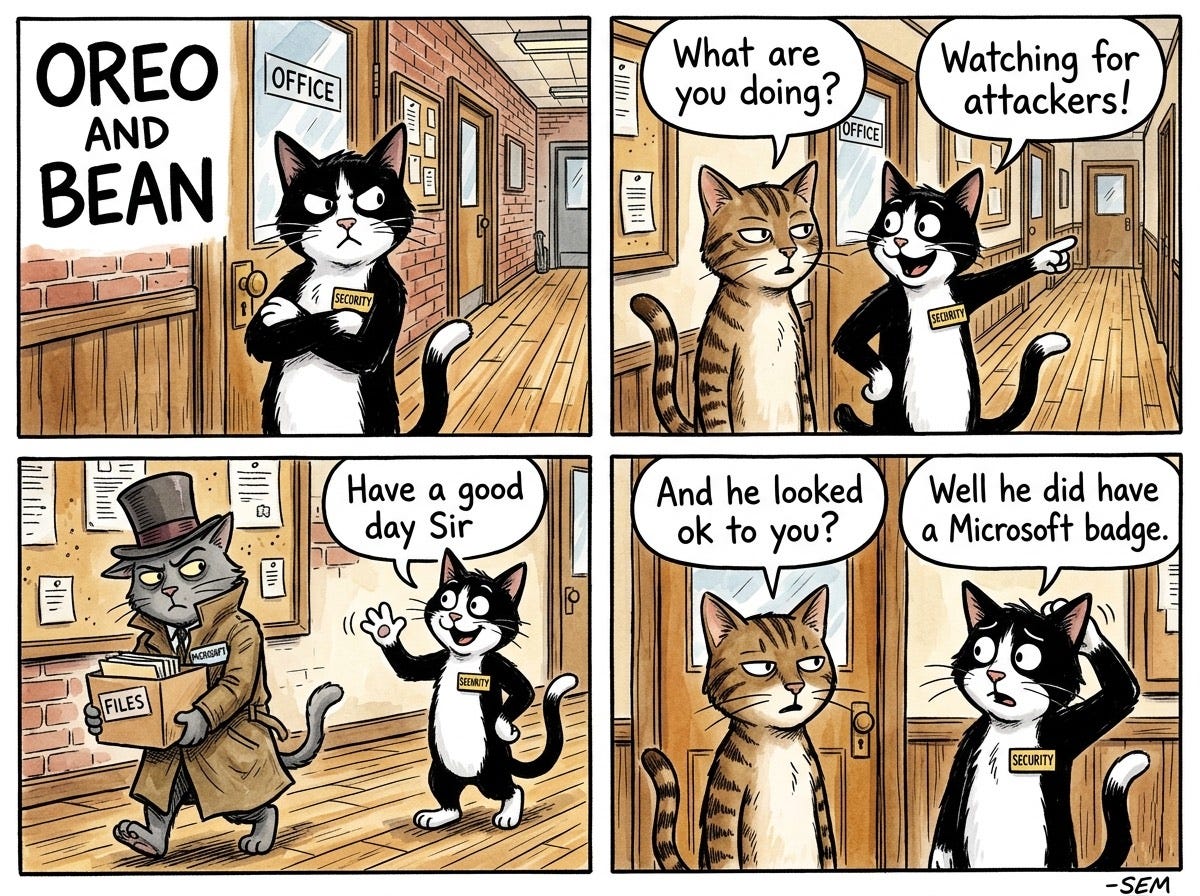
The tools they use make detection even harder. Instead of obviously malicious software like Rclone or custom exfiltration tools, attackers increasingly use legitimate cloud utilities:
Azure Copy (AzCopy) has become a favorite. It is Microsoft’s official utility for transferring data to Azure Blob storage. It is rarely blocked by endpoint detection and response (EDR) solutions. It uses standard HTTPS connections to *.blob.core.windows.net domains that are typically allowed through firewalls. And the destination is a fully legitimate cloud provider.
When an attacker uses AzCopy to upload your data to their Azure storage account, it looks almost identical to normal cloud operations. Security teams monitoring for “malicious” file transfers may never see it.
Other common exfiltration methods include:
Azure Storage Explorer: A GUI version of the same capability
Standard cloud sync tools: Dropbox, OneDrive, Google Drive used to upload stolen data
Archive utilities: Data compressed into smaller packages before transfer
Living-off-the-land binaries: Built-in Windows tools repurposed for data theft
The result: without an encryption event, there is no clear “moment of compromise” to trigger incident response. Attackers have days, weeks, or months to find and extract the most valuable data before anyone notices.
What Can You Do?
Defending against exfiltration-only attacks requires a different mindset than defending against traditional ransomware. Your backup strategy is necessary but not sufficient. You need to catch the theft before it happens.
Step 1: Know What Data You Have and Where It Lives
You cannot protect what you cannot find. Map your sensitive data:
Where is personally identifiable information (PII) stored?
Where are financial records, intellectual property, and trade secrets?
Which systems have access to this data?
Who has credentials to those systems?
Data Loss Prevention (DLP) tools like Microsoft Purview can help identify and monitor sensitive data. The goal is visibility: if you do not know what is valuable, you will not notice when it leaves.
Step 2: Monitor for Unusual Data Movement
Exfiltration attacks create data movement patterns that differ from normal operations. Look for:
Volume anomalies:
Large file transfers from servers that normally do not send data externally
Unusual compression activity (creating large archives before transfer)
Spikes in outbound traffic, especially outside business hours
Destination anomalies:
Connections to Azure Blob storage (*.blob.core.windows.net) from systems that do not normally use Azure
Data flowing to personal cloud storage accounts (Dropbox, Google Drive, OneDrive personal)
Transfers to IP addresses or domains with no business justification
Tool anomalies:
AzCopy or Azure Storage Explorer running on systems where cloud migration is not occurring
Archive utilities (7zip, WinRAR) compressing large volumes of files
PowerShell or command-line tools accessing sensitive file shares
Configure alerts for these patterns. Endpoint detection tools, network monitoring, and SIEM platforms can all contribute.
Step 3: Restrict Outbound Network Access
Most servers do not need direct internet access. Lock it down:
Implement egress filtering: servers should only reach the specific external endpoints they require (update servers, API endpoints, etc.)
Block or alert on connections to cloud storage providers from systems that do not have a legitimate business need
Use a proxy or secure web gateway for outbound traffic so you have visibility and control
Consider application allowlisting on critical servers to prevent unauthorized tools from running
Step 4: Harden Your Identity Layer
Most exfiltration attacks begin with compromised credentials. Make initial access harder:
Phishing-resistant MFA everywhere: Hardware security keys (FIDO2/WebAuthn) are ideal. Authenticator apps are acceptable. SMS is better than nothing but vulnerable.
Privileged access management: Admin accounts should have separate credentials, time-limited access, and enhanced monitoring.
Credential hygiene: Audit for password reuse, default credentials, and service accounts with excessive permissions.
Conditional access policies: Block logins from unexpected locations, devices, or risk levels.
Step 5: Segment Your Network
If attackers gain access to one system, limit how far they can move:
Separate sensitive data repositories from general user networks
Restrict lateral movement between segments
Apply the principle of least privilege: users and systems should only access what they need
An attacker who compromises a workstation should not be able to reach your file servers, customer databases, or intellectual property repositories without triggering additional authentication or alerts.
Step 6: Prepare for the Call
Despite your best efforts, an exfiltration attack may still succeed. Have a plan:
Legal counsel: Know who to call when you receive a ransom demand. Decisions about payment, disclosure, and law enforcement involvement require legal guidance.
Incident response retainer: Have a relationship with an IR firm before you need one.
Communication templates: Draft holding statements for customers, employees, regulators, and media.
Data inventory: Know what was likely stolen based on what the attackers accessed. This will inform your disclosure obligations.
The Bottom Line
Ransomware is evolving. The encryption that used to be the attack’s signature is becoming optional. Attackers have realized that stolen data is leverage enough, especially when victims have backups that make encryption pointless.
This shift has real implications. Your disaster recovery playbook will not help you. Your backups will not undo a data breach. And the quiet nature of exfiltration attacks means you may not know you have been compromised until the ransom note arrives.
The defense is detection: know your data, watch your network, and catch the theft before it is complete. Because once your data is in an attacker’s hands, your options narrow dramatically.
Do not let the first sign of compromise be an email demanding millions to keep your data private.
Research Sources:
Intruvent Cloud CTI Engine (Codex)
Morphisec, “Ransomware Without Encryption: Why Pure Exfiltration Attacks Are Surging” (2026)
HIPAA Journal, “Elevenfold Increase in Data-only Extortion Attacks”
Industrial Cyber, “Ransomware Reaches Elevated New Normal” (2026)
BlackFog, “Clop’s New Extortion Wave Hits Oracle” (2026)
GuidePoint Security, “The Economics of Clop’s Zero-Day Campaigns”
CISA, “#StopRansomware Guide” and BianLian Advisory (AA23-136A)
Unit 42/Palo Alto Networks, “BianLian Threat Assessment”
Cisco Talos, “Everyday Tools, Extraordinary Crimes: The Ransomware Exfiltration Playbook”
FBI Internet Crime Complaint Center, 2025 Annual Report
Heimdal Security, “Password Breach Statistics 2026”
Last Updated: April 21, 2026*