

Prevent This: Session Hijacking
Changing your password won't save you. Here's why attackers don't need it anymore.

A quick note: We're taking a one-week break from our "Social Media’s Open Door" series. Instagram and TikTok guides are live, and we'll pick back up with the rest soon. In the meantime, this attack is in our lab right now and it's too important to wait.
What Happened?
In January 2026, Microsoft flagged a multi-stage attack campaign hitting energy companies across multiple countries. The attackers weren’t stealing passwords. They were stealing something better.
The attack started with a SharePoint link. Looked normal. Came from a legitimate vendor email that had already been compromised. When employees clicked and logged in, attackers captured their session token in real time.
That token is basically a digital keycard. Once the attacker has it, they’re already inside. No password needed. MFA already bypassed.
Within 14 minutes of capturing a token, attackers were creating inbox rules to hide their activity and sending 600+ phishing emails from the compromised account. Internal contacts. External partners. Distribution lists. All from a trusted sender.
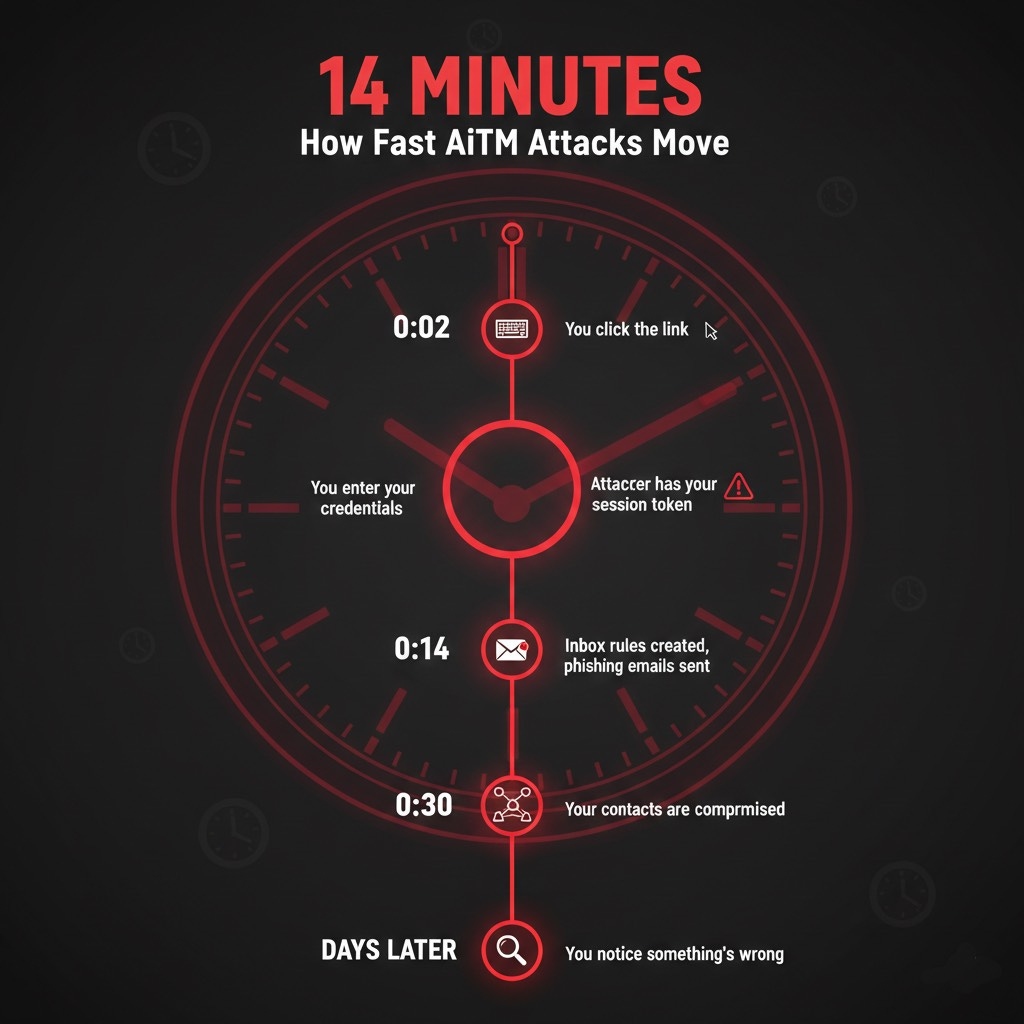
By the time IT noticed, the attack had spread to multiple organizations.
The technique is called Adversary-in-the-Middle (AiTM). And it’s everywhere right now. We have multiple cases in the Intruvent Forensic Lab right now where this is the attack vector the bad guys used.
Wait... Didn’t We Cover This Before?
You might be thinking “this sounds like the Man-in-the-Middle attacks we covered last month.” You’re half right.
Traditional MitM attacks intercept data flowing between two parties. Someone tapping a phone line to eavesdrop, or stealing your password as it travels to the server. The defense was straightforward: encryption and multi-factor authentication. For a while, that worked.
AiTM attacks evolved specifically to defeat MFA.
Classic MitM attackers eavesdrop passively. AiTM attackers set up a fake login page that relays everything in real-time to the legitimate site, including your MFA code. They’re not just listening to the conversation. They’re participating in it, handing your credentials to Microsoft on your behalf and pocketing the session token that comes back.
Think of it via this analogy: Classic MitM steals your key. AiTM waits for you to unlock the door, then clones the “already verified” badge before you step inside.
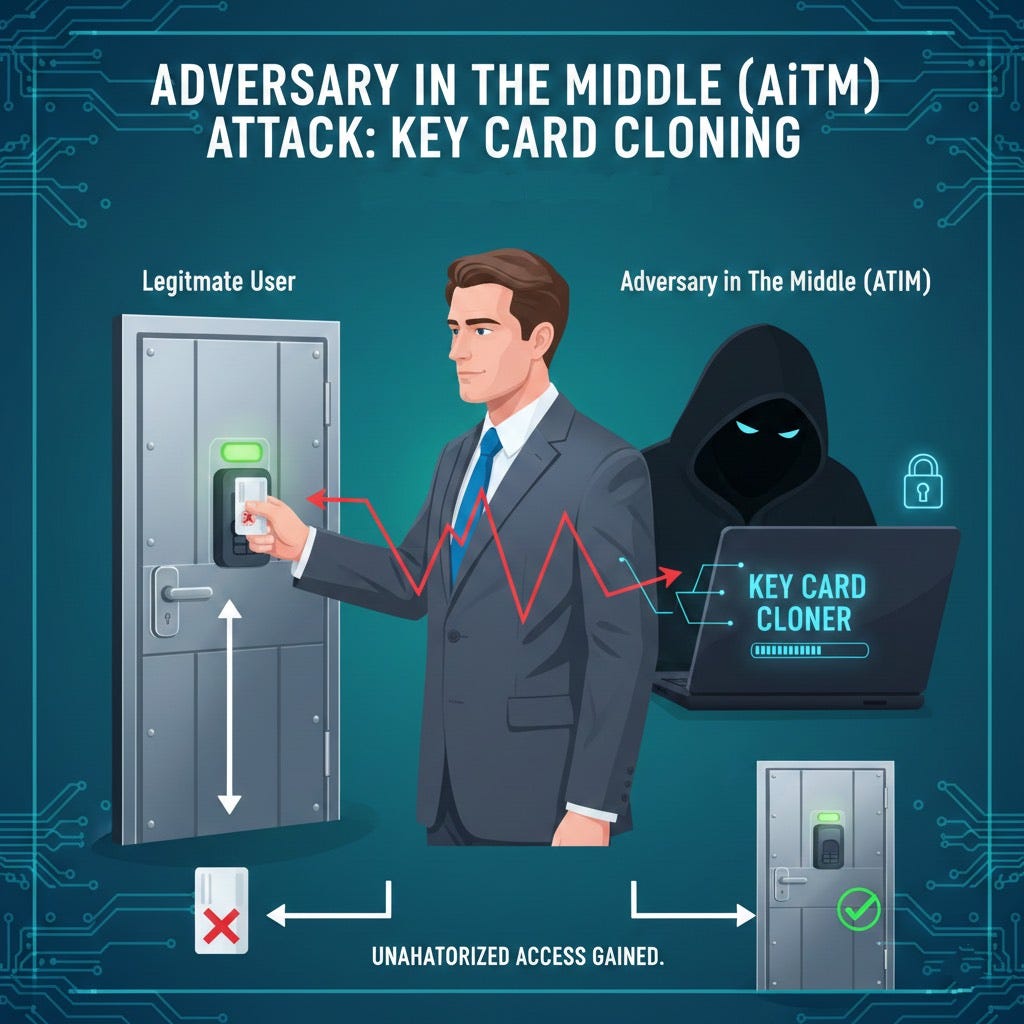
This is why phishing-resistant MFA matters. Hardware security keys and passkeys are bound to the legitimate site’s domain and can’t be relayed through a fake page. Wrong domain, no authentication.
Why Should You Care?
You’ve probably heard that MFA stops 99% of attacks. That was true. Past tense.
AiTM attacks don’t try to guess your password or brute-force your MFA code. They sit between you and the login page, relaying everything in real time. You enter your password. They capture it. You enter your MFA code. They capture that too. You get logged in. So do they.
The session token you receive? They have a copy. And that token works from anywhere.
Password resets don’t help. The attacker already has a valid session. MFA resets don’t help either. The session is already authenticated.
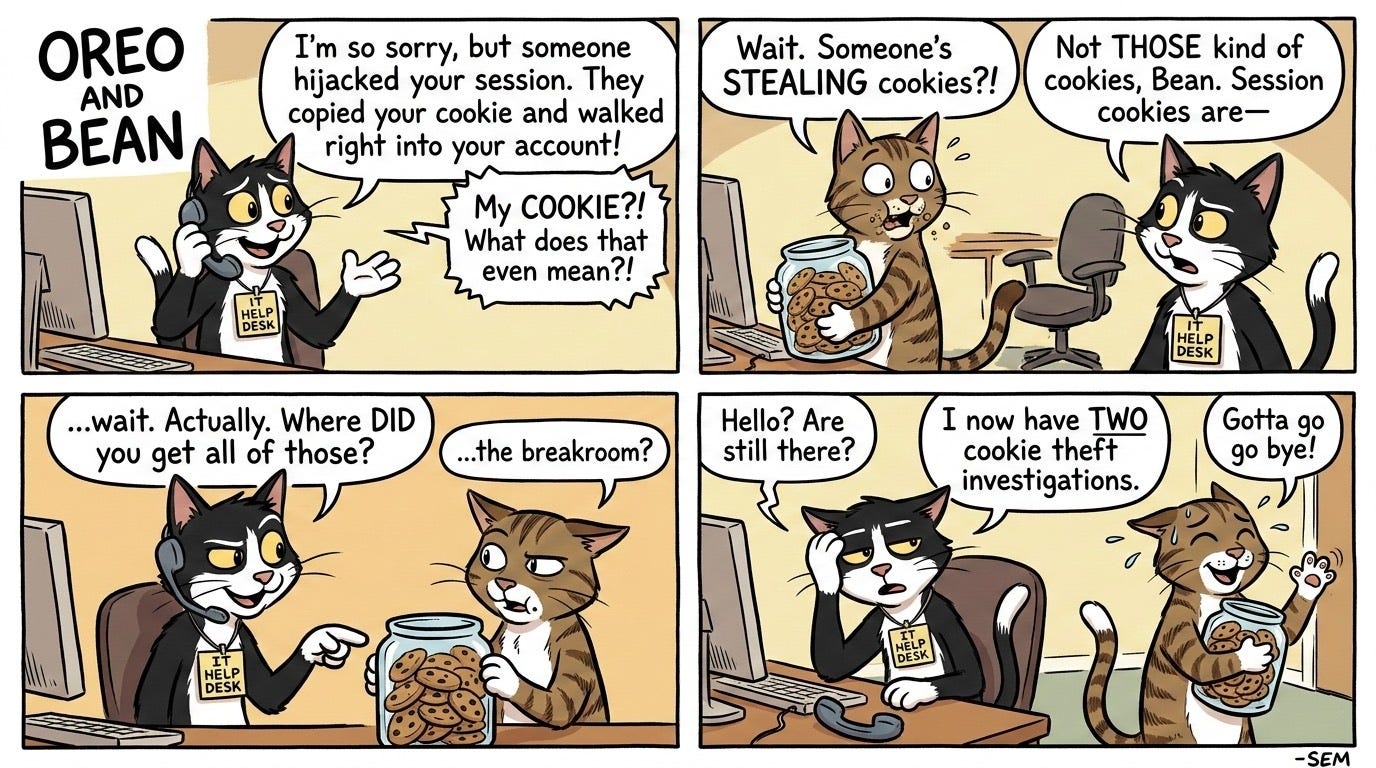
This is why Microsoft explicitly warned that “password reset is not an effective solution” for these attacks. Organizations need to revoke active sessions and hunt for inbox rules the attacker created to stay hidden.
How Does This Work?
Think of it like a relay race, except the baton is your login.
You click a link. It looks like your normal Microsoft login page. Same colors, same logo. But you’re actually on an attacker-controlled server that’s sitting in the middle.
When you type your password, the attacker’s server passes it to the real Microsoft. When Microsoft asks for your MFA code, the attacker relays that request to you. You enter the code. The attacker passes it along. Microsoft says “welcome” and issues a session token.
That token goes to you. And to the attacker.
Now they’re logged in as you. No alerts. No warnings. Your session, their control.
Once inside, attackers typically:
Create inbox rules that auto-delete security alerts
Mark incoming emails as read so you don’t notice new messages
Send phishing emails to your contacts using your identity
Monitor for financial transactions to intercept
Delete evidence of their activity
The whole process takes minutes. Recovery takes weeks.
What Can You Do?
For Organizations:
Stop trusting passwords alone. Even with MFA. Implement phishing-resistant authentication like hardware security keys (FIDO2/WebAuthn). These can’t be relayed because they verify you’re on the legitimate site.
Require dual approval for financial transactions. Wire transfer requests should always be verified through a separate channel. Not email. Not the same Teams chat. Pick up the phone and call a known number.
Monitor for suspicious inbox rules. Attackers create rules to hide their tracks. If you see rules auto-deleting emails with words like “security,” “alert,” “hack,” or “phish,” you have a problem.
Use conditional access policies. If your users shouldn’t be logging in from Nigeria, Eastern Europe or Asia, lock this places out.
Disable legacy authentication protocols. This one is huge. The big AiTM attackers will use these protocols to rapidly conduct their attacks (see 14 minute window section above). By blocking them it short circuits their attack capabilities.
Set aggressive session timeouts. The longer a session stays active, the longer an attacker can use a stolen token. Microsoft’s default timeouts can stretch for days. That’s too long.
Hunt for impossible travel. If someone logs in from New York at 9am and Tokyo at 9:15am, that’s not jet lag. That’s a compromised session.
For Everyone:
Check URLs before entering credentials. AiTM attacks rely on lookalike domains. “microsoft-login.com” is not “login.microsoft.com.”
If a login page comes from an email link, stop. Go directly to the site by typing the address yourself. Bookmark your important logins.
Use hardware security keys if your employer offers them. They’re the only MFA method that can’t be phished in real time.
Report suspicious emails even if you clicked. Speed matters. The faster security knows, the faster they can revoke sessions.
The Bottom Line
MFA was supposed to be the lock that kept attackers out. AiTM attacks turned that lock into a revolving door.
Your password gets you in. So does the attacker. Your MFA code verifies you. And the attacker. The session token proves you’re legitimate. The attacker has one too.
Next time you click a login link from an email, pause. Is this the real site? Or are you about to hand someone your digital keycard?
Research Sources: Intruvent BRACE reporting, Microsoft Security Blog (January 2026), FBI IC3 2024 Report, eSentire 2026 Threat Report, ReliaQuest BEC Detection Research, Palo Alto Networks
Last Updated: March 3, 2026