

Prevent This: PDF-Based Attacks
That "safe" document format? It's one of hackers' favorite weapons.

A Quick Word About PDFs
Before we dive in, let’s talk about what PDFs actually are. PDF stands for Portable Document Format, created by Adobe in the 1990s to solve a simple problem: how do you share a document that looks exactly the same on every computer, regardless of what software or operating system someone is using?
The genius of PDFs is they’re essentially self-contained packages. They bundle fonts, images, formatting, and layout into a single file that displays identically whether you open it on Windows, Mac, Linux, or your phone. That’s why they became the universal standard for everything from contracts to tax forms to restaurant menus.
But here’s where it gets complicated: to achieve that versatility, PDFs needed to do more than just display text and images. The format supports interactive forms, hyperlinks, embedded files, JavaScript for calculations and interactivity, and the ability to communicate with external servers. These features made PDFs incredibly powerful and useful. They also made them incredibly dangerous in the wrong hands.
Think of PDFs like a Swiss Army knife. All those tools are helpful, but each one can also be weaponized. And because we trust PDFs as “safe” document files, we open them without the same caution we’d use for executable programs.
What Happened?
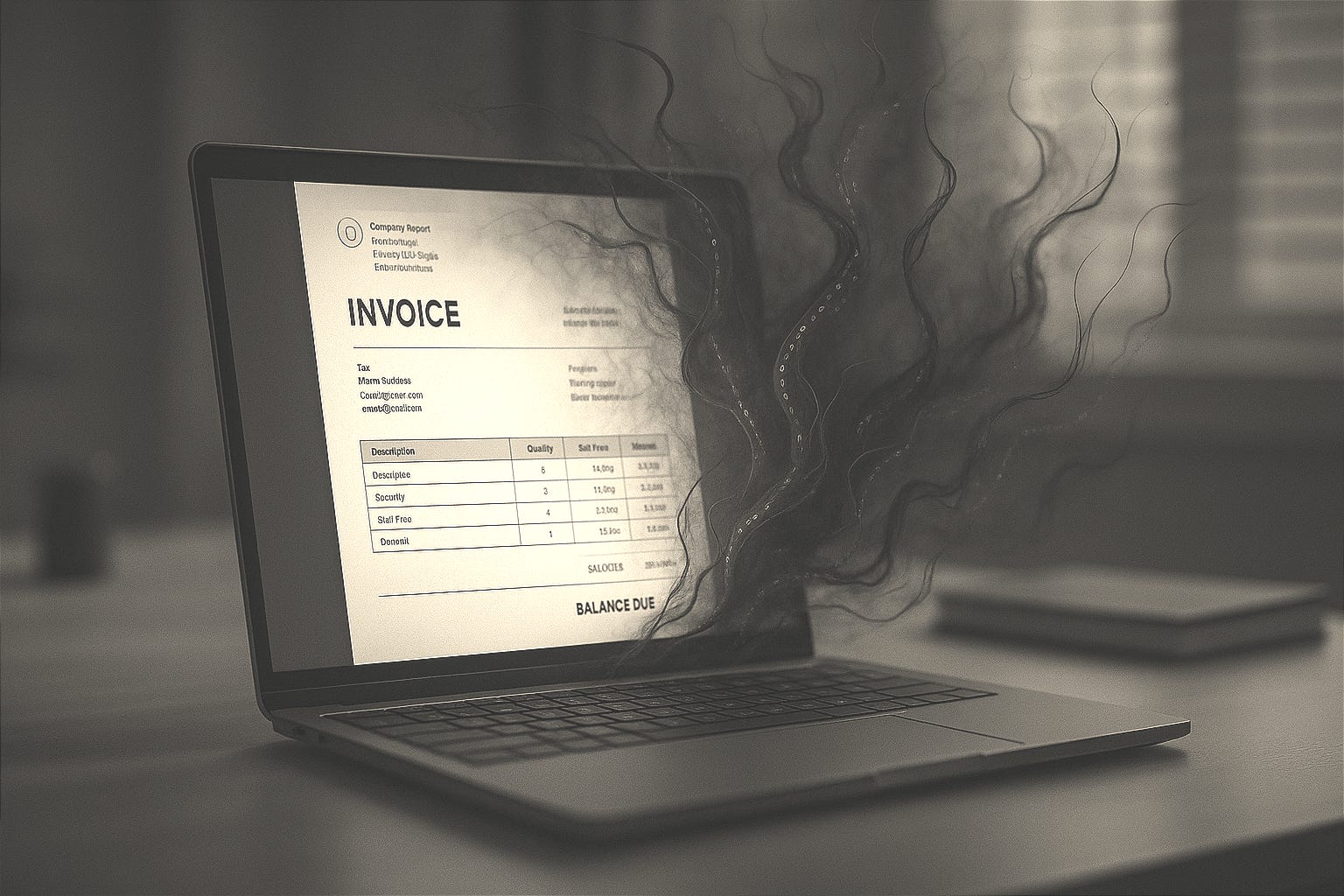
You get an email with a PDF attachment. Maybe it’s an invoice from a vendor, a contract for review, or a resume from a job applicant. It looks completely legitimate: proper formatting, company logo, the works. You open it, scroll through, and close it. Done, right?
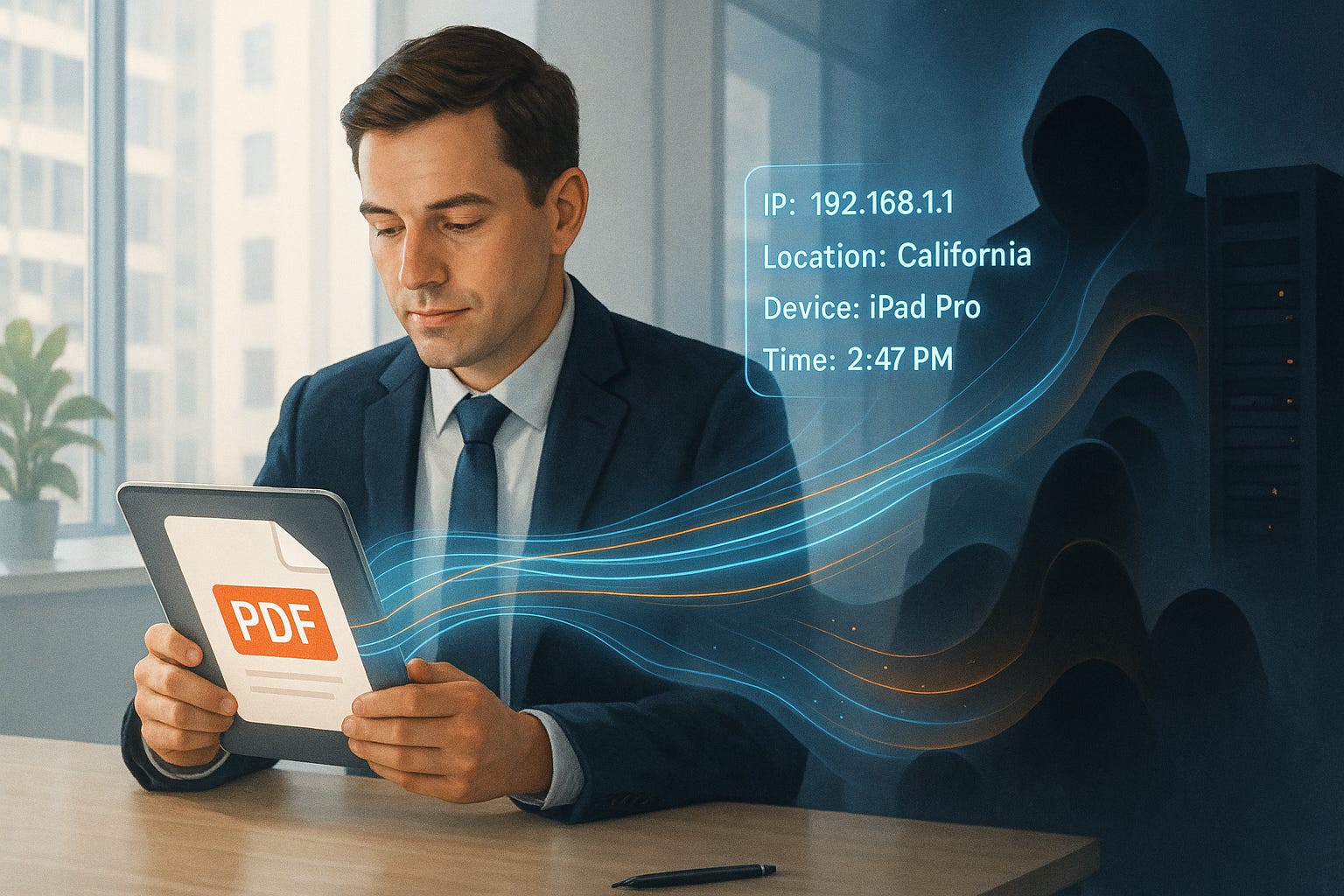
Wrong. That PDF just phoned home to tell an attacker your IP address, what PDF reader you’re using, your operating system, and that you’re a real person who actually opens these things. Congratulations, you just confirmed you’re a valuable target. Or worse, that PDF just exploited a vulnerability in your reader and quietly installed malware while you were reviewing that “urgent invoice.”
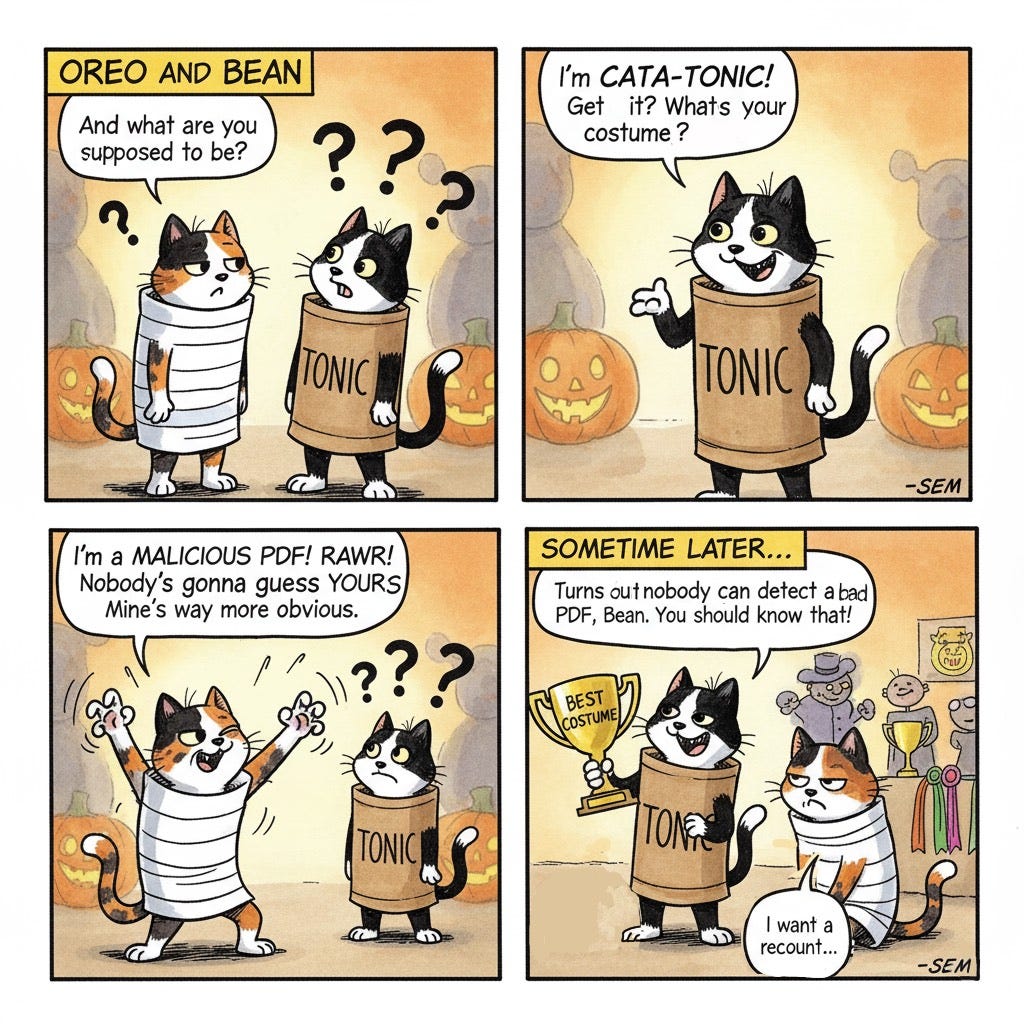
I’ve investigated or been the ultimate sign-off authority on well over a thousand incident response cases throughout my career. A significant portion of those breaches started with a PDF. Not a flashy zero-day exploit or sophisticated malware. Just a PDF attached to an email. That should tell you everything you need to know about how effective this attack vector is.
Why Should You Care?
Because you open PDFs every single day. If you’re a lawyer, you live in them. If you work in finance, procurement, HR, or basically any office job, PDFs are how you communicate. They’re the “safe” format, the one we use specifically because it’s supposed to be safer than running executable files.
That trust is exactly what makes PDFs so dangerous. You’d never double-click a file called “invoice.exe,” but “invoice.pdf”? That gets opened without a second thought. Attackers know this, and they’re exploiting it ruthlessly.
We’re seeing massive supply chain compromises starting with weaponized PDFs sent to procurement departments. We’re seeing ransomware delivered through PDF exploits. We’re even seeing state-sponsored actors using PDFs with embedded tracking to map out corporate networks and identify high-value targets before launching their real attacks.
How Did This Actually Work?
Here’s what a malicious PDF can do:
Tracking and surveillance: PDFs can contain invisible tracking pixels (just like email) that load from external servers. When you open the document, it pings back with your IP address, what time you opened it, what software you’re using, and how long you spent reading it. Attackers use this to build profiles, figuring out who in your organization opens documents, when they’re active, and what systems they use.
Exploit delivery: PDF readers are complex software with lots of vulnerabilities. Attackers craft PDFs that exploit bugs in Adobe Reader, Chrome’s PDF viewer, or other readers to execute malicious code. You open the document, and boom: malware is running on your system. No clicking required beyond opening the file.
Form jacking: PDFs can contain forms that submit data to external servers. That “secure form” asking you to confirm your credentials? It’s sending your typed information directly to an attacker’s server. It looks legitimate because it’s embedded in an official-looking document.
Embedded payload delivery: PDFs can contain other files embedded inside them: executables, scripts, even other malicious documents. Some PDF readers will extract and potentially run these automatically.
The really insidious part? Many of these attacks work even with JavaScript disabled in your PDF reader, because they exploit the core functionality of the PDF format itself, not add-on features.
What Can You Do About It?
The good news is you don’t have to stop using PDFs. You just need to be smarter about them.
1. Update your PDF reader religiously. Whether you use Adobe Acrobat, Chrome’s built-in viewer, or something else, keep it updated. Most PDF exploits target known vulnerabilities that have been patched. Updates matter.
2. Disable JavaScript in your PDF reader. In Adobe Acrobat, go to Preferences > JavaScript and uncheck “Enable JavaScript.” Most legitimate PDFs don’t need JavaScript. The ones that do are often suspicious.
3. Use protected view or sandboxing. Many modern PDF readers open documents in a protected mode by default, especially if they came from email or the internet. Don’t disable this feature. It’s there for a reason.
4. Be suspicious of PDFs from unexpected sources. Got an invoice from a vendor you’ve never heard of? A resume from someone you didn’t contact? A legal document you weren’t expecting? Verify with the sender through a different communication channel before opening.
5. For organizations: Block PDFs at the email gateway, scan them first. Use email security solutions that can detonate PDFs in a sandbox environment before they reach user inboxes. Strip out potentially malicious elements like JavaScript and embedded files.
6. Don’t fill out forms in unsolicited PDFs. If a PDF is asking you to enter credentials, payment information, or sensitive data, stop. Verify it’s legitimate through another channel first.
7. Watch for warning signs. Does your PDF reader throw up security warnings? Does the document ask you to disable protected mode? Does it want you to enable macros or JavaScript? Red flags. Close it and investigate.
8. Does using a Mac help? Here’s the honest answer: somewhat, but Macs don’t make you immune to these attacks. Mac users do benefit from macOS’s built-in security features like Gatekeeper and sandboxing in Preview (the default PDF reader). Many PDF exploits are written specifically for Windows systems since that’s what most corporate environments run. However, Mac-specific PDF exploits absolutely exist, and sophisticated attackers routinely create cross-platform malicious PDFs. More importantly, the tracking and phishing aspects of malicious PDFs work identically on Macs. Your Mac won’t save you from accidentally submitting credentials to a form-jacking PDF or confirming to an attacker that you’re a viable target. Think of using a Mac as wearing a seatbelt: it definitely helps, but it doesn’t make reckless driving safe. You still need to practice good PDF hygiene regardless of your operating system.
The Bottom Line
PDFs can track you, exploit your system, and steal your data while looking completely innocent. The key is treating PDFs from untrusted sources the same way you’d treat any other potentially dangerous file: with healthy skepticism and proper security controls. Keep your reader updated, disable unnecessary features like JavaScript, and verify before you trust. Because that PDF really might know way too much about you.
Research Sources: CISA Malicious PDF Guidance, Cofense Intelligence Reports, Adobe Security Bulletins, MITRE ATT&CK T1566.001 (Phishing: Spearphishing Attachment)
Last Updated: November 4, 2025