

Prevent This: Malicious App Downloads
Threat Actors are using Search Engine Optimization (SEO) to make you click on their malicious links. Here's what you can do to defend against this.

What Happened?
You need to download Notepad++. Maybe you’re setting up a new computer, maybe you just reformatted, maybe IT asked you to install it. You open your browser and type “Notepad++ download” into the search bar.
The first result looks right. The domain seems legitimate. The page looks exactly like you’d expect a software download page to look. There’s a big green “Download” button. You click it.
Congratulations. You just installed a backdoor on your computer.
The file you downloaded contains real Notepad++. It installs correctly, it works correctly, and you have no idea anything is wrong. But bundled inside that installer was malware that’s now logging every keystroke you type, stealing passwords from your browser, monitoring your clipboard, and sending everything back to attackers in real-time.
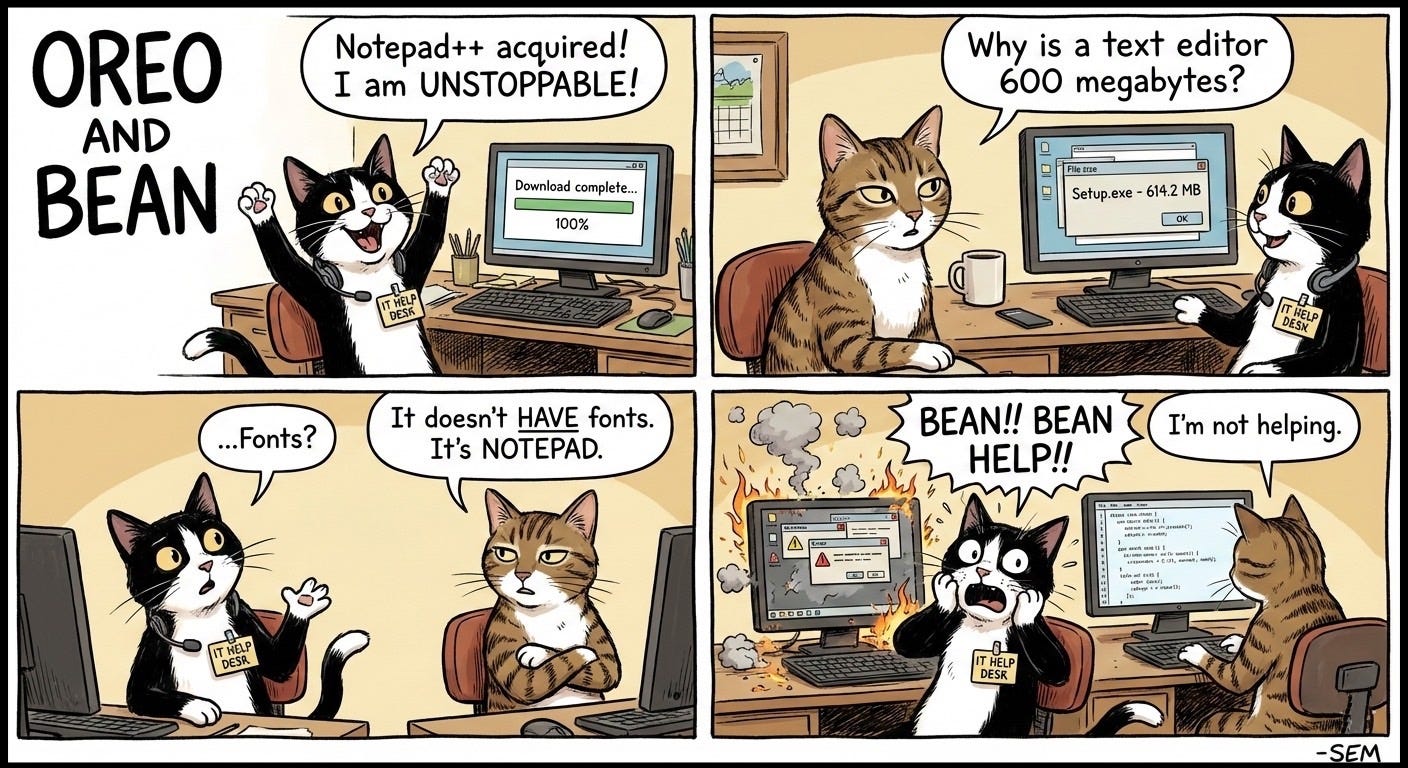
This happened to 277,800 people in over a two-week period in December 2025. A cybercrime group called Black Cat (no relation to Oreo and Bean) created fake download pages for Notepad++, Chrome and other popular software. They used Search Engine Optimization (SEO) techniques to push those pages to the top of search results on Bing and other search engines. When people searched for these programs and clicked the top results, they got infected.
The peak day saw 62,167 computers compromised. By ordinary people doing exactly what we all do: searching for software and clicking the first result.
Why Should You Care?
Because almost everyone has made this mistake that can cause such havoc, and it is easy to protect against it.
We trust search engines. When we need software, we Google it. When the first result looks legitimate, we click it. This behavior is so automatic that most of us don’t even think about it anymore.
Attackers know this. They’ve figured out how to game the system, and they’re getting better at it every year.
The Black Cat campaign targeted Chinese users, but SEO poisoning is a global problem. Earlier in 2025, researchers found campaigns targeting people searching for Zoom, Microsoft Teams, ChatGPT, and Visual Studio. Between January and April alone, over 8,500 small and medium businesses were hit by malware disguised as popular productivity tools. Zoom-themed malware accounted for 41% of attacks. Microsoft Office tools made up another 53%.
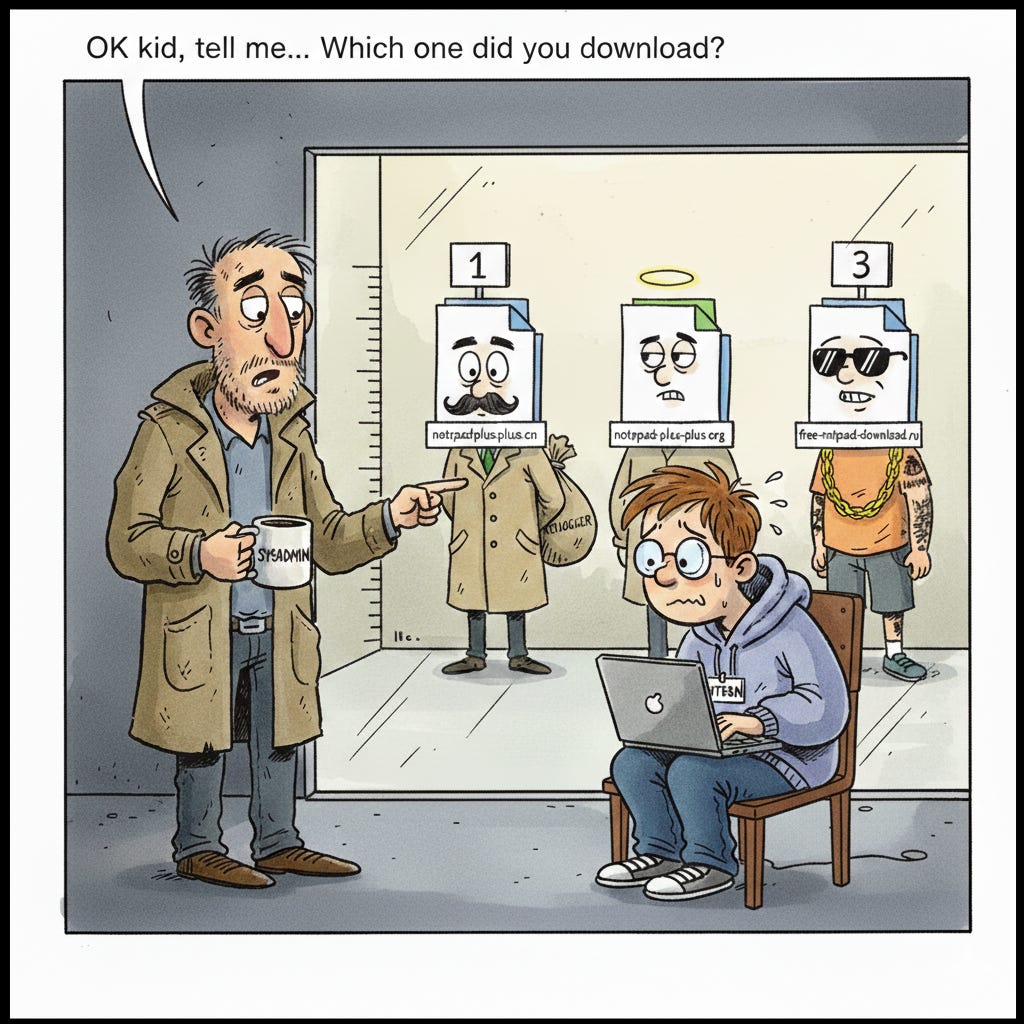
The Rhysida ransomware group has been using SEO poisoning specifically to target IT administrators and system administrators. Think about that for a second. The people searching for tools like PuTTY and WinSCP are often the same people with the highest levels of access to company systems. One infected admin and attackers have the keys to the kingdom.
Small and medium businesses get hit hardest because they often lack dedicated security teams. The average cost per SEO poisoning incident for SMBs is around $25,000. When it leads to ransomware, that number jumps into the millions.
How Does This Actually Work?
SEO poisoning exploits how search engines rank websites. When you search for something, Google and Bing try to show you the most relevant, authoritative results first. Attackers have figured out how to trick these algorithms into thinking their malicious sites are legitimate.
They register domains that look real. For the Notepad++ campaign, Black Cat used domains like “cn-notepadplusplus.com” and “notepadplusplus.cn.” At a glance, these seem reasonable. They used similar tactics with “cn-obsidian.com” and “cn-winscp.com.”
Then they stuff those pages with keywords, build backlinks, and use other SEO techniques to climb the rankings. Some attackers even buy ads, so their malicious links appear right at the very top of search results, above the organic listings.
The fake download pages are convincing. They copy the look and feel of legitimate software sites. They use similar logos, similar layouts, similar language. In the Black Cat campaign, clicking the download button redirected users to a page that looked like GitHub. The file came as a ZIP archive containing what appeared to be a normal installer.
Here’s the clever part: the malware installs the real software too. You download fake Notepad++, run the installer, and Notepad++ works perfectly. You have no reason to suspect anything is wrong. Meanwhile, the installer also dropped a backdoor that creates a shortcut on your desktop. That shortcut points to a malicious DLL that runs every time you click it.
The malware in the Black Cat campaign could steal browser data, log keystrokes, monitor clipboard contents, and exfiltrate sensitive information from your computer. All while you’re happily using the legitimate Notepad++ you thought you downloaded.
Some campaigns get even more sophisticated. Attackers have figured out that security tools often skip scanning files larger than 500MB because of performance concerns. So they pad their malicious installers with junk data to make them huge. The file looks suspicious because of its size, but automated analysis tools let it through.
What Can You Do About It?
The fix is simple, but it requires changing a habit.
Common sense URL inspection - Look at the domain before you click. Does it use a legitimate TLD (.com, .org, .io)? Are there weird extra words or suspicious extensions like .buzz or .top? Trust your gut.
Use official app stores and package managers - Microsoft Store, Apple App Store, Chocolatey, winget, Homebrew, apt. Skip the search engine entirely when possible.
Go to GitHub directly for open source - Search within GitHub, look for verified orgs, high star counts, active development. Download from the Releases page.
Be suspicious of ads - Scroll past sponsored results or use an ad blocker. [Editor’s Note: If you are reading this through a browser without an ad blocker, go get one ASAP]
Ask IT or a tech-savvy friend - When in doubt, get a sanity check before downloading.
Keep browser and security tools updated - Your safety net for when you slip up.
For organizations - Software controls and centralized distribution.
The Bottom Line
Most people have been conditioned to trust search engines. That trust has become a vulnerability.
Attackers don’t need to find zero-day exploits or trick you into opening malicious email attachments. They just need to put a fake download page in front of you at the exact moment you’re looking for software. The attack works because it fits perfectly into behavior we already do every day.
The Black Cat campaign infected nearly 280,000 computers in two weeks. That number represents people who did nothing wrong except trust a search result. They weren’t careless. They weren’t clicking obvious phishing links. They were doing exactly what all of us do when we need to install software.
Breaking this habit takes conscious effort. The next time you need to download something, pause before you search. Ask yourself if you know the official website. If you do, go there directly. If you don’t, take a few extra seconds to verify the URL before you click.
Those few seconds could save you from becoming part of the next campaign’s statistics.
I look forward to the first 2026 edition of Intruvent EDGE on Thursday! We’ll be taking a look at some end of year trends and track some Threat Actors who were very naughty over the holidays. See you then!
Research Sources: CNCERT/CC and ThreatBook Black Cat Analysis, Kaspersky SMB Threat Research 2025, Arctic Wolf SEO Poisoning Campaign Reports, Mandiant BATLOADER Analysis, FortiGuard Labs Hiddengh0st/Winos Research