

Prevent This: Getting Burned by Your Old Passwords
6 billion login attempts. Every month. Using passwords just like yours.

What Happened?
In March 2025, hackers hit five Australian superannuation funds (retirement accounts) simultaneously. Within 48 hours, they accessed over 20,000 customer accounts and stole AUD $500,000. The victims did nothing wrong. They never clicked a phishing link. They never downloaded malware. They never shared their passwords.
Their passwords had been stolen years earlier, from completely unrelated breaches, and they were still using them.
The attackers used a technique called credential stuffing: they took massive lists of usernames and passwords from old data breaches (LinkedIn 2012, Adobe 2013, Dropbox 2016, and hundreds of others) and systematically tried them against fresh targets. When people reuse passwords across sites, one old breach becomes the key to everything.
The Australian attack was not sophisticated. It was inevitable. When 109 million email addresses and passwords from a single “stealer log” collection appeared online earlier this year, followed by another 183 million from a separate dump, the raw material for these attacks has never been more abundant.
And it is not just happening in Australia. The FBI issued a public service announcement in March 2026 warning that credential stuffing attacks against financial institutions are surging, with attackers routing their attempts through residential proxy networks to evade detection.
Why Should You Care?
The numbers are staggering:
26 billion automated login attempts happen every month using stolen credentials
76% of leaked password/login combinations still work when tried against other sites
83% of organizations experienced at least one account takeover last year
$4.8 million is the average cost of a credential stuffing breach
972 breached websites are currently tracked by HaveIBeenPwned, with billions of compromised accounts
Here is the uncomfortable truth: if you have been using the internet for more than a few years, your credentials have almost certainly been exposed in at least one breach. The question is not whether your password is out there. The question is whether you are still using it.
Every dormant account you have ever created, that old forum from 2011, the streaming service free trial you forgot about, the shopping site you used once, is a liability. If that service gets breached (or already has been), your email and password are now in a database that attackers will use against your bank, your email, your work accounts.
Dormant accounts are 10 times less likely to have two-factor authentication enabled than active accounts. They are not monitored. Nobody notices when they are compromised. They sit there, waiting to be exploited.
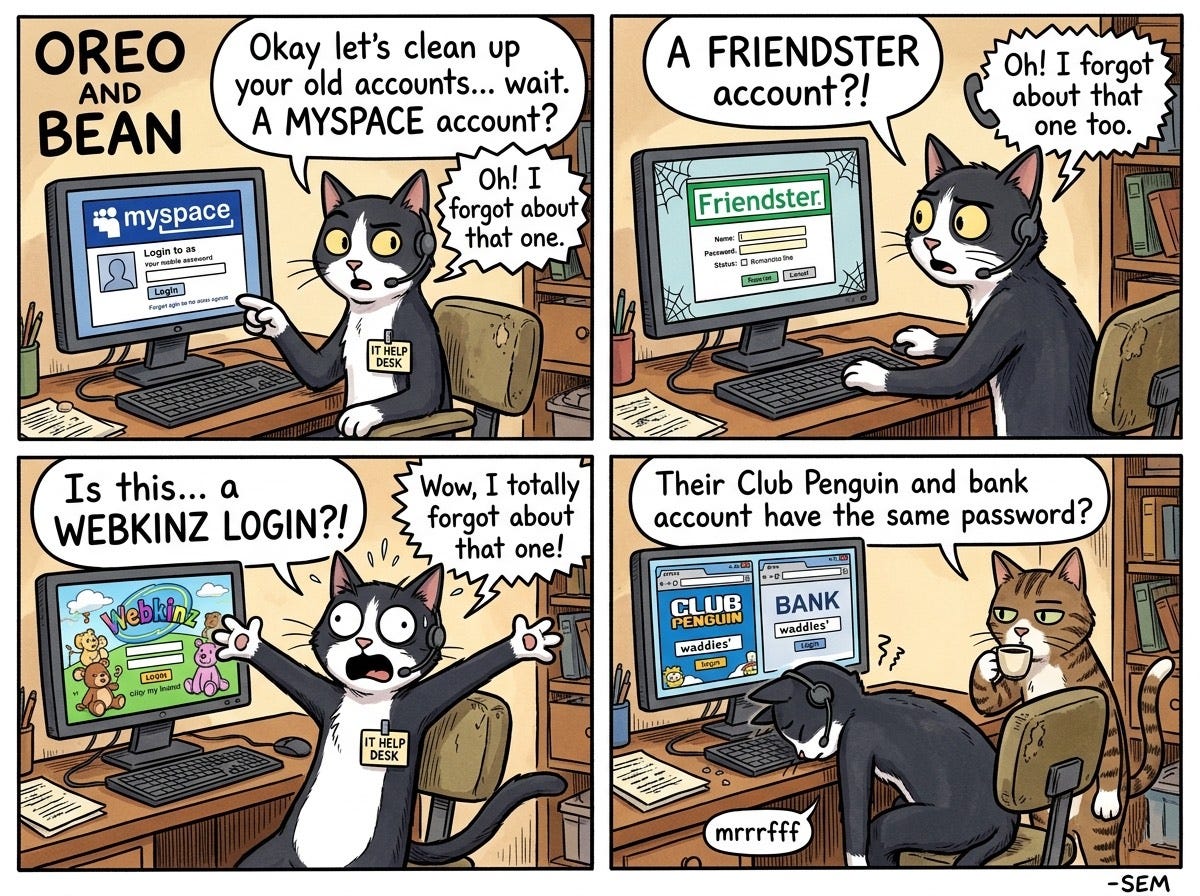
According to a Beyond Identity survey, 10% of people are still using a password they first created as a teenager. That means somewhere out there, a bank account, an email inbox, or a corporate VPN is protected by the same password someone picked for their Neopets account in 2007. Which brings us to this week’s Oreo and Bean comic:
How Does This Work?
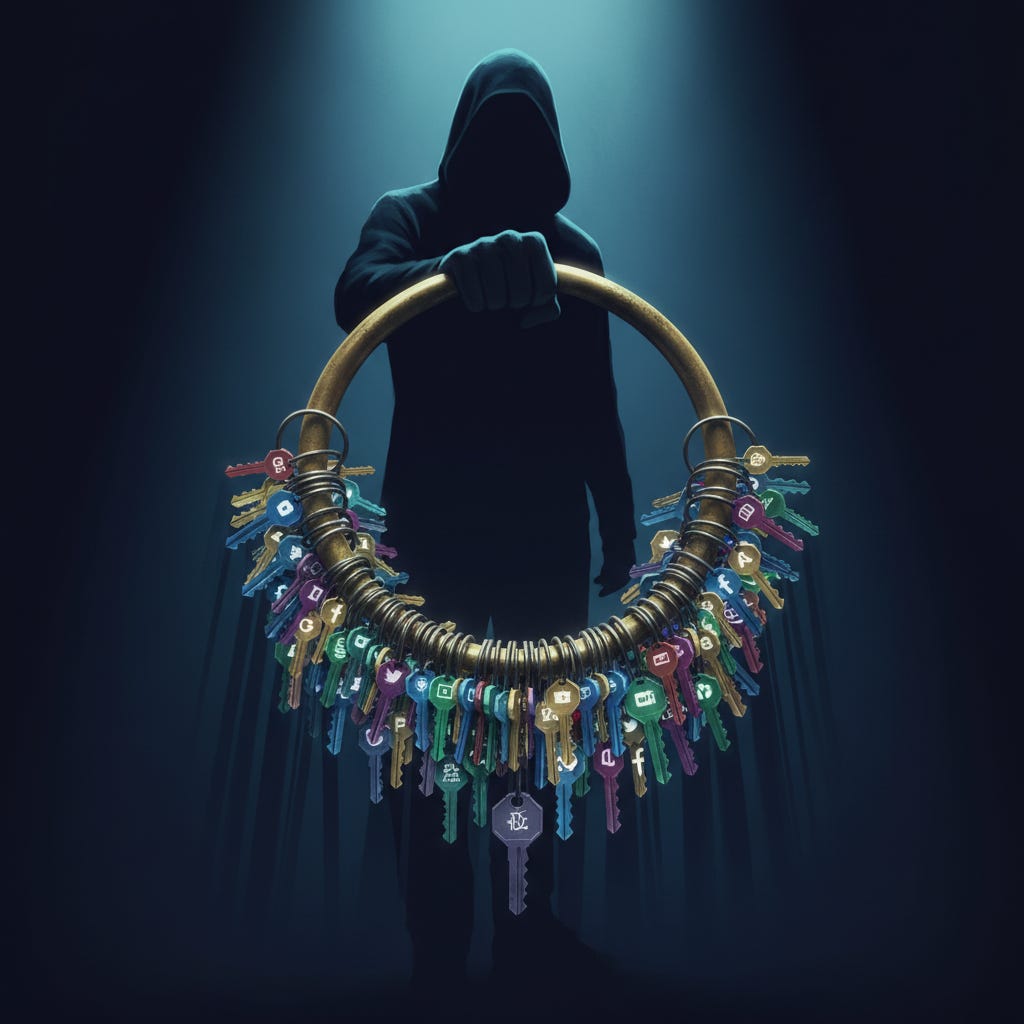
Think of it like a master key ring.
Every time a company gets breached, the attackers add another set of keys to the ring. LinkedIn breach? That is 117 million keys. Adobe breach? Another 153 million. Dropbox? 68 million more. These “combolists” (username/password combinations) circulate freely on criminal forums, often for free.
Attackers then run automated tools that try these credentials against valuable targets: banks, email providers, corporate VPNs, streaming services. They rotate through thousands of residential proxy IP addresses (rented from services like IPRoyal for as little as $4 per gigabyte) so their attempts look like they are coming from ordinary home internet connections all over the world, not a single attacker.
Rate limiting does not stop them, because each IP only makes a few attempts. Geographic blocking does not stop them, because the proxies are everywhere. Even “impossible travel” detection struggles, because the attackers are patient.
The attack is simple: if you used the same password for LinkedIn in 2012 that you use for your bank today, they are in.
What Can You Do?
This is your credential cleanup checklist. Set aside 30 minutes this week and work through it.
Step 1: Check What Has Been Exposed
Go to HaveIBeenPwned.com and enter every email address you have ever used. Yes, that old Hotmail account too. The site will show you every known breach that included your email.
Do not panic at the list. The point is not to feel bad. The point is to know which passwords are definitely compromised so you can stop using them.
Bonus: Check HaveIBeenPwned.com/Passwords to see if any specific password you use has appeared in a breach. (The site uses a clever privacy technique so your actual password never leaves your device.)
Step 2: Delete Accounts You Do Not Use
This is the step most people skip, and it is the most important.
Every old account is an attack surface. If you are not using it, delete it. Here is how to find them:
1. Search your email for phrases like “welcome to,” “confirm your account,” “thanks for signing up,” or “verify your email.” This will surface accounts you have forgotten about.
2. Check your password manager (if you use one) for sites you have not visited in over a year.
3. Review “Sign in with Google/Apple/Facebook” connections in your account settings. Revoke access to apps and services you no longer use.
4. Use a service like JustDeleteMe to find the account deletion page for specific services. (Some make it deliberately hard to find.)
For each account you find: if you use it, update the password. If you do not use it, delete it. No exceptions.
Step 3: Fix Your Password Hygiene
You have heard this before, but here it is again, because it is the single most effective defense:
1. Use a password manager. Bitwarden (free), Apple Passwords, 1Password, Dashlane, or the one built into your browser. The specific tool matters less than actually using one.
2. Every account gets a unique password. Let the password manager generate random 16+ character passwords. You do not need to remember them.
3. Turn on two-factor authentication everywhere it is offered. Authenticator apps (Google Authenticator, Authy, Microsoft Authenticator) are better than SMS, but SMS is better than nothing.
4. Secure your password manager recovery. Your master password should be strong and unique. Store backup codes in a safe place (not a cloud document). If you use biometrics, make sure your backup method is also secure.
Step 4: Secure Your Backup Codes
Here is a detail most people miss: in the Australian superannuation attack, some victims had MFA enabled, but attackers used stolen backup codes to bypass it.
Backup codes are the “break glass in emergency” option for two-factor authentication. They are also often stored carelessly (in notes apps, cloud documents, or email drafts).
- Store backup codes in your password manager, or
- Print them and keep them in a physical safe, or
- Store them in an encrypted note
Never store them in plain text in the cloud.
The Bottom Line
Your passwords from 2015 are still circulating on criminal forums. Your dormant accounts from services you forgot about are still vulnerable. And attackers are running 26 billion automated attempts every month to see which old keys still open new doors.
The good news: you can fix this in an afternoon. Check what has been exposed. Delete what you do not need. Update what remains. Turn on two-factor authentication. And stop reusing passwords.
The Australian victims lost half a million dollars because they were still using passwords from years ago. Do not be the next case study.
Sources:
FBI IC3 (March 2026), HaveIBeenPwned.com, HUMAN Security, Trend Micro, Bitdefender, Consumer Reports Security Planner*