

Prevent This: Cloud Outage Chaos
How One Provider's Problem Became Everyone's Emergency

What Happened?
Picture this: You’re in the middle of an important client presentation when suddenly your screen freezes. Zoom drops. Your colleagues vanish mid-sentence. You scramble to Slack to ask if anyone else is having issues, but Slack won’t load either. Your cloud-based CRM? Timeout error. Your project management tools? Spinning endlessly. Across the internet, millions of professionals experienced the same moment of panic as Amazon Web Services (AWS) experienced a massive outage that lasted over 12 hours, and more than half a day later, major services like Netflix are still experiencing significant issues around the world.
But here’s the thing most people don’t realize: You probably didn’t even know it was AWS that caused your problems. You just knew that your video call dropped, your team collaboration tools were unresponsive, or your business applications suddenly became inaccessible. That’s because AWS is the invisible backbone holding up a massive portion of the internet, and when it stumbles, we all feel it.
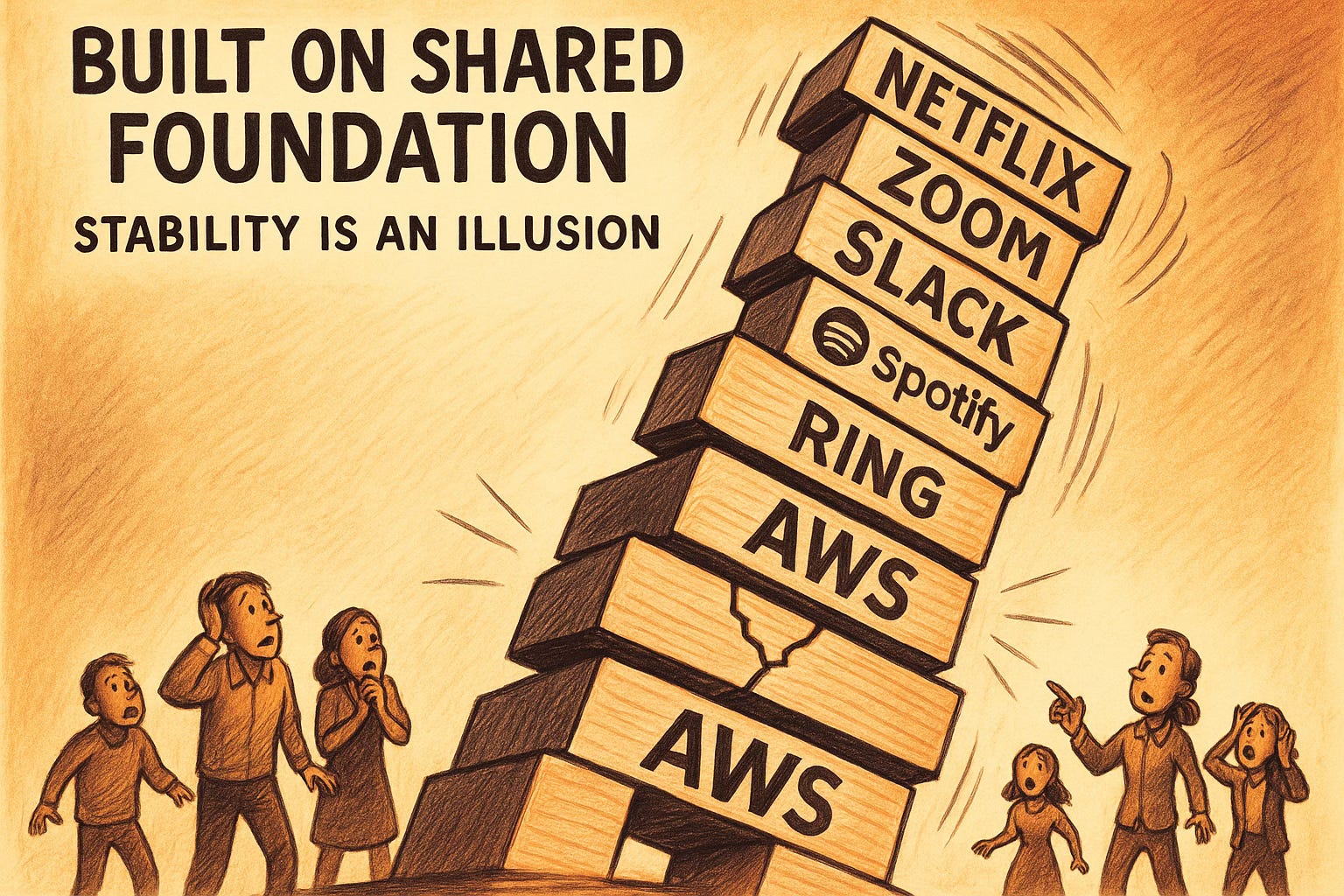
Think of AWS like the landlord of the internet. They don’t just rent out server space, they provide the electricity, plumbing, security, and infrastructure that keeps everything running. When their building has problems, all their tenants suffer, even if they’re running completely different businesses. The good folks at Amazon are working hard to resolve these issues, but the scale of impact shows just how interconnected our digital infrastructure has become.
The Ripple Effect: Who Got Hit?
The outage affected an astonishing array of services. Video conferencing platforms dropped calls mid-meeting. Collaboration tools became unreachable. Customer relationship management systems went offline. Streaming services like Netflix buffered indefinitely and continue to struggle even now. Even some authentication services failed, locking employees out of systems entirely.
What made this particularly interesting is that many people didn’t realize they were experiencing the same outage. Someone struggling with a frozen Zoom call, another person unable to access their project management dashboard, and a third trying to submit a time-sensitive document were all victims of the same underlying problem. They just didn’t know it because AWS operates behind the scenes.
This is the double-edged sword of cloud infrastructure. It’s incredibly efficient and powerful, which is why so many services use it. But that efficiency comes with a hidden risk: when one major provider goes down, it creates a cascading failure across seemingly unrelated services. Your morning standup, client presentations, collaboration tools, and critical business applications all potentially share the same foundation, and when that foundation cracks, everything wobbles.
What YOU Can Do
For Everyone: Building Your Personal Redundancy
Know Your Dependencies
Take inventory of what in your work and daily life actually requires cloud services. Your video conferencing platform? Cloud-dependent. Your document storage? Cloud-dependent. Your authentication system? Probably cloud-dependent. Understanding what breaks when the internet hiccups helps you plan around it.
Embrace Offline Alternatives
Keep local copies of critical documents and presentations. Download important files before major meetings. Maintain offline access to emergency contact information and key client details. Think of it as your digital emergency kit. You hope you never need it, but you’ll be grateful when you do.
Have a Plan B for Communication
When your primary collaboration tools fail, what’s your backup? Do you have phone numbers for key team members? Alternative communication channels? A simple text message or phone call becomes invaluable when Slack, Teams, or Discord go dark.
Local Backups Actually Matter
Your critical business documents shouldn’t live in only one place, especially if that place is someone else’s computer (which is all “the cloud” really is). External drives are cheap. Local backups are reliable. Cloud storage is convenient, but it shouldn’t be your only storage, especially for time-sensitive or business-critical files.
Critical Tools Need Offline Options
If your entire workflow depends on cloud services, what happens when they fail? Consider which tools offer offline modes, downloadable versions, or desktop applications that can function without constant internet connectivity. The more cloud-dependent your work becomes, the more important it is to maintain some level of offline capability.
For IT and InfoSec Professionals: Strategic Considerations
Now, if you’re reading this while nervously checking your company’s monitoring dashboard and explaining to leadership why nothing is working, here’s the professional version of “have a backup plan.”
Multi-Cloud Strategy Isn’t Just Buzzword Compliance
Yes, managing multiple cloud providers is more complex. Yes, it costs more. But putting your entire infrastructure in one provider’s hands, even if that provider is AWS, creates a single point of failure that you can’t control. Consider hybrid approaches, multi-cloud architectures, or at minimum, critical service redundancy across providers.
Actually Test Your Disaster Recovery Plans
That DR plan gathering dust in your documentation? When was the last time you actually tested it during an outage scenario you couldn’t fix? “It works in theory” is not a security posture. Regular tabletop exercises and actual failover tests reveal gaps before your CEO is asking why the entire platform is down and clients can’t access services.
Map Your Third-Party Dependencies
Do you actually know all the ways AWS touches your infrastructure? It’s not just your servers. It’s your CDN, your DNS, your authentication services, your monitoring tools, your collaboration platforms. Create a comprehensive dependency map. You can’t plan for failures you don’t know exist.
SLA Reality Check
Read the fine print of your cloud provider’s Service Level Agreement. Understand what they actually promise versus what you think they promise. Most SLAs guarantee uptime percentages, not immunity from outages. Know what you’re entitled to (usually credits) and what you’re responsible for handling yourself (usually everything else).
Include “Provider-Level Outage” in Incident Response and Tabletops
Your incident response plan should include scenarios where the problem is entirely outside your control. What’s your communication plan when your communication tools are down? How do you triage when you can’t access your usual monitoring systems? Who makes the call to implement failover procedures? These decisions shouldn’t be made for the first time during an actual crisis.
The Bottom Line
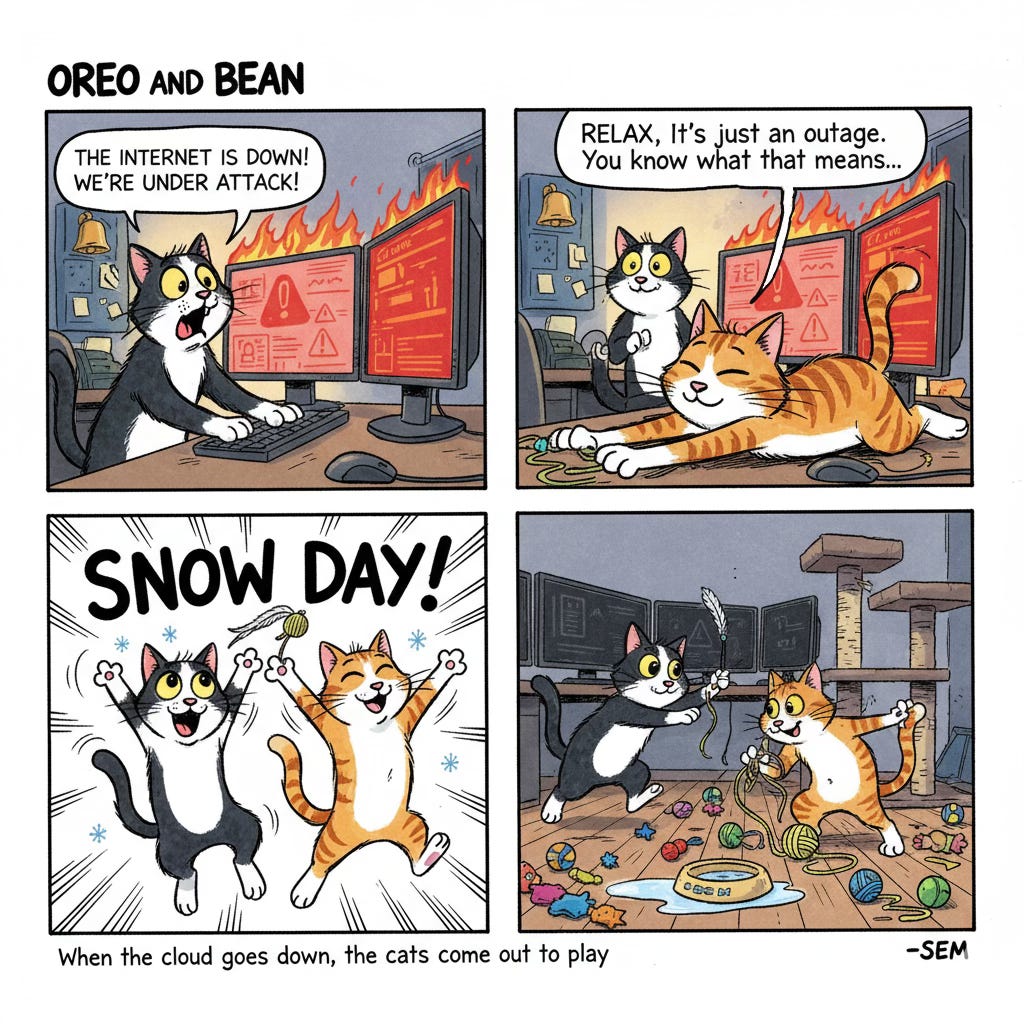
Cloud outages are like snowstorms. They’re inevitable, occasionally severe, and a good reminder that infrastructure we take for granted can fail. The internet isn’t magic. It’s physical servers in buildings that can experience problems. The key isn’t to abandon cloud services (they’re too useful), but to build resilience into how we use them.
For individuals, that means maintaining offline capabilities and not putting all your digital eggs in one basket. For businesses, it means strategic redundancy and realistic disaster recovery planning. For all of us, it means remembering that “the cloud” is just someone else’s computer, and sometimes, those computers have bad days too.
The next time AWS (or any major provider) experiences an outage, you’ll be ready. Or at least you’ll know why your Monday morning standup suddenly became a phone tree instead.
Sometimes the best response to a cloud outage is to remember that offline life still exists, whether you’re a concerned professional or just a cat looking for an excuse to play.
Research Sources: AWS Service Health Dashboard, Security industry incident reports, Cloud service status pages, Ongoing Netflix service disruption reports
Last Updated: October 20, 2025