

Prevent This: Clickfix Attacks
Everyday defenses that you can actually use

This Week’s Threat: ClickFix
You’re working online when a pop-up interrupts you: “Browser verification required. Paste this command to continue.”
It looks official. The steps seem easy. You just want to get back to work, so you do it.
And just like that, you’ve hacked yourself.
That’s the idea behind ClickFix attacks. Hackers don’t sneak in… they hand you malware and convince you to run it for them.
Why It Works
ClickFix is less about clever code and more about clever psychology. Attackers know most people want to fix problems fast.
They rely on three triggers:
Urgency: “Do this right now.”
Authority: “It looks official.”
Simplicity: “Just one quick command.”
Often these attacks trick users into running commands in PowerShell. Because you typed it yourself, the computer assumes the action is safe. Security software doesn’t step in to help.
Quick Explainer: What’s PowerShell? PowerShell is like the steering wheel for Windows. It’s a tool meant for IT pros to configure and control computers. ClickFix attackers abuse it because if they can convince you to paste in their commands, your computer assumes the instructions are trusted... since they came from you. It’s like handing your car keys to a stranger because they told you “this will make the engine run better.”What It Looks Like
Some of the disguises we’ve seen in the wild:
Fake CAPTCHA checks asking you to “verify” by running PowerShell
Browser error messages with copy-paste “fixes”
Cloud login verification steps
Instagram or TikTok posts with hundreds of thousands of likes… with stealth instructions that open a backdoor on your computer for the attackers
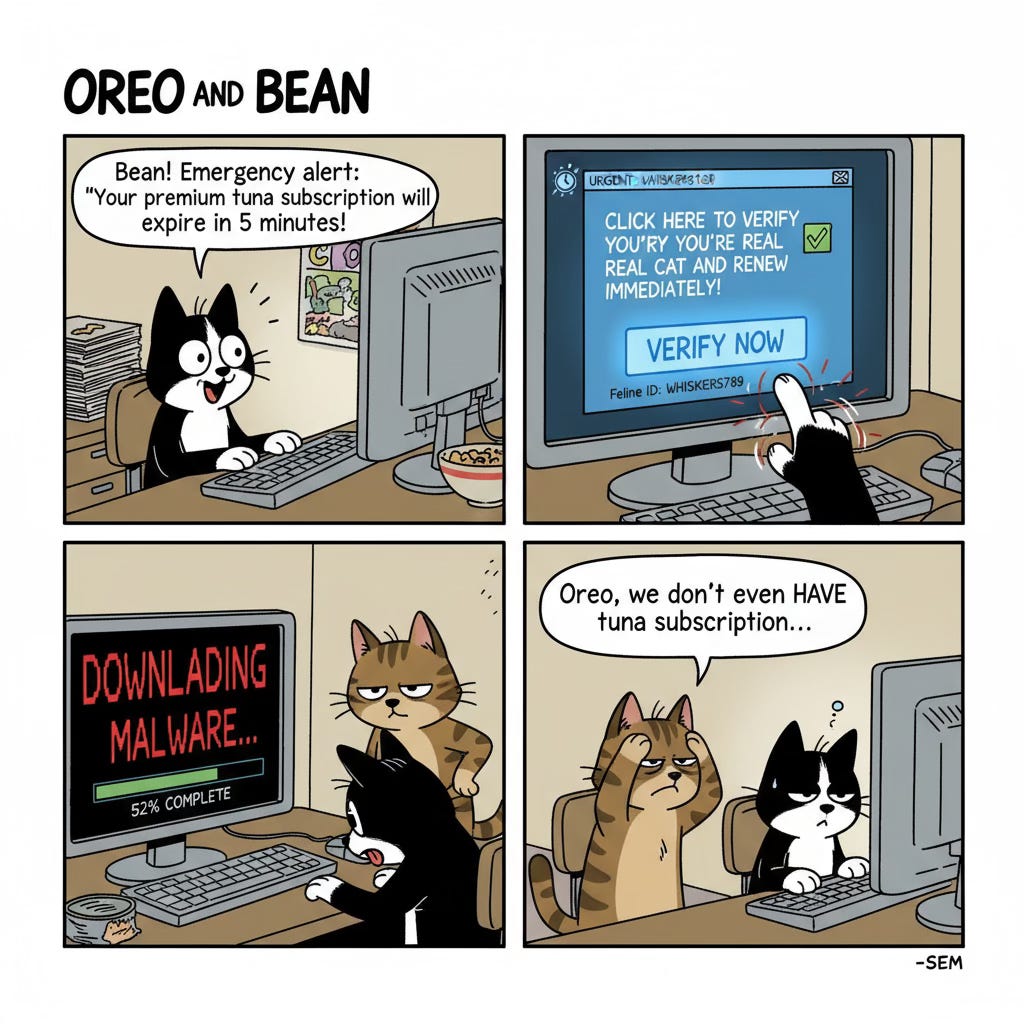
If the instructions sound like tech support written by Dr. Seuss, it’s probably ClickFix:
Tool Spotlight: Stop ClickFix Before It Starts
1. Install an Ad Blocker
Free browser extensions like uBlock Origin or AdGuard block the shady ads and pop-ups where ClickFix usually appears. It’s like taking down the attacker’s billboard before you ever see it.
2. Use DNS Filtering
Every time you visit a remote website, your computer asks a “phonebook” called DNS where to find it. Attackers rely on sketchy websites to deliver their fake fixes. Free services like Quad9 or NextDNS act like Caller ID for the internet: if the number’s bad, the call never goes through. Even if you click, your computer won’t connect.
Sector Highlight: Finance
Last week we talked about healthcare. This week, it’s finance.
Why Finance Gets Hit:
Staff handle urgent transfers and approvals.
Delays cost money, so people click faster.
Attackers are after money, and Finance deals in money.
Industry-Specific Lures:
Fake banking “security verification” pop-ups
Trading platform “updates”
Cloud accounting software “fixes”
Defenses for Finance Teams:
Train staff on the golden rule: pop-ups don’t fix computers
Roll out DNS filtering org-wide
Establish clear “who to call” procedures for error messages that seem urgent
Prevent This: Rule of the Week
Pop-ups don’t fix computers
No real website asks you to paste commands
When in doubt, close it out
Share these three with your team today. They’re easy to remember and even easier to act on.
Wrap-Up
ClickFix isn’t about malware sophistication… it’s about social engineering at its simplest. Threat Actors know that when a computer looks broken, people will do whatever it takes to fix it.
So the next time a screen says “Paste this command to prove you’re real”, remember Oreo and Bean: we don’t even have a tuna subscription.
Prevent This is published weekly by Intruvent Technologies to bring you everyday defenses you can actually use.
Coming Thursday on Intruvent Edge: Updates on Nation-State (APT) attack groups, plus a deep dive into the latest supply-chain attacks.
If you liked this Newsletter: Please forward it to your friends!