

Prevent This: Attackers Stealing Your Phone Number
SIM swapping drained $25.9 million last year. Your carrier can block it for free. Here's how.

Welcome to Prevent This, our weekly community newsletter covering cybersecurity for everyone. If you found us through Intruvent Edge, our bi-weekly technical deep dive, welcome. Both live on the same Substack. Feel free to share either one. We’re glad you’re here.
One phone call to your carrier. Fifteen minutes. That is all it takes for someone to reroute your entire digital life to a device you have never seen.
Justin Chan woke up to a dead phone.
No signal. No texts. No calls. It was the middle of the night, and his Xfinity Mobile number had been transferred to a device he did not own. Over the next three hours, while he slept, someone used his phone number to intercept two-factor authentication codes, reset his banking passwords, and initiate three wire transfers. By morning, $38,000 was gone. The joint account he shared with his sister, the one they used to pay for their elderly mother’s care, was empty.
Bank of America closed its fraud investigation and told him the transactions were authorized. It took months of fighting, and a local news investigation, before the bank reopened the case.
In Florida, Patricia Escriva watched thousands disappear within minutes of losing control of her number. In Miami, Wei Shen’s T-Mobile number was quietly transferred while she went about her day. By the time she noticed her phone had gone silent, three wire transfers totaling $68,625 had cleared. Citibank denied her fraud claim, telling her she failed to “take adequate steps to safeguard her accounts.”
The attack that hit all three of them has a name: SIM swapping. And the fix takes about 15 minutes.
How It Works
The attacker calls your mobile carrier and claims to be you. They say their phone was lost or damaged and ask for the number to be moved to a new SIM. To pass the identity check, they provide personal details gathered from data breaches, social media, and data broker sites: your name, address, date of birth, the last four digits of your Social Security number. If the answers match, the swap goes through. In some cases, attackers bribe carrier store employees directly, paying as little as $300 per swap to skip the verification entirely.
Once your number is on their device, every SMS verification code meant for you goes to them. They reset your email password first. Then banking. Then crypto. Then everything else. The average swap completes in under 15 minutes, and most of the damage happens within the first hour.
A cybercrime group called Scattered Spider industrialized SIM swapping to steal at least $8 million in cryptocurrency. Their second member, Tyler Robert Buchanan, pled guilty in April 2026 and faces up to 22 years in prison. Another member is already serving a 10-year sentence. The group’s broader victim list includes MGM Resorts, Caesars Entertainment, Twilio, LastPass, and Transport for London. In a separate case, T-Mobile was ordered to pay $33 million after a single SIM swap drained a customer’s crypto wallet.
Why Should You Care?
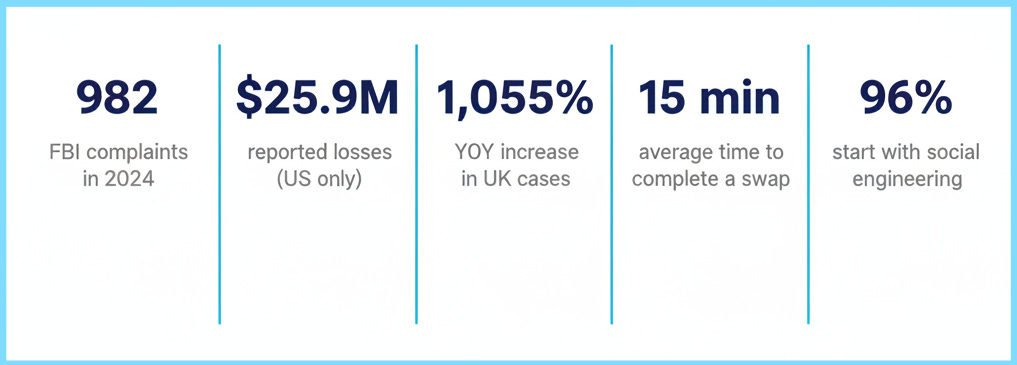
The FBI logged 982 SIM swap complaints and $25.9 million in losses in 2024. Those numbers only reflect what victims voluntarily reported. The real volume is higher. Globally, the UK saw a 1,055% year-over-year increase in SIM swap cases, and Australia reported a 240% surge, with 90% of attacks occurring without any interaction from the victim.
The people most at risk may not be who you expect. 29% of all account takeover victims are now 61 or older, a 90% year-over-year increase for that age group. If you have parents or grandparents who use their phone for banking, this applies directly to them.
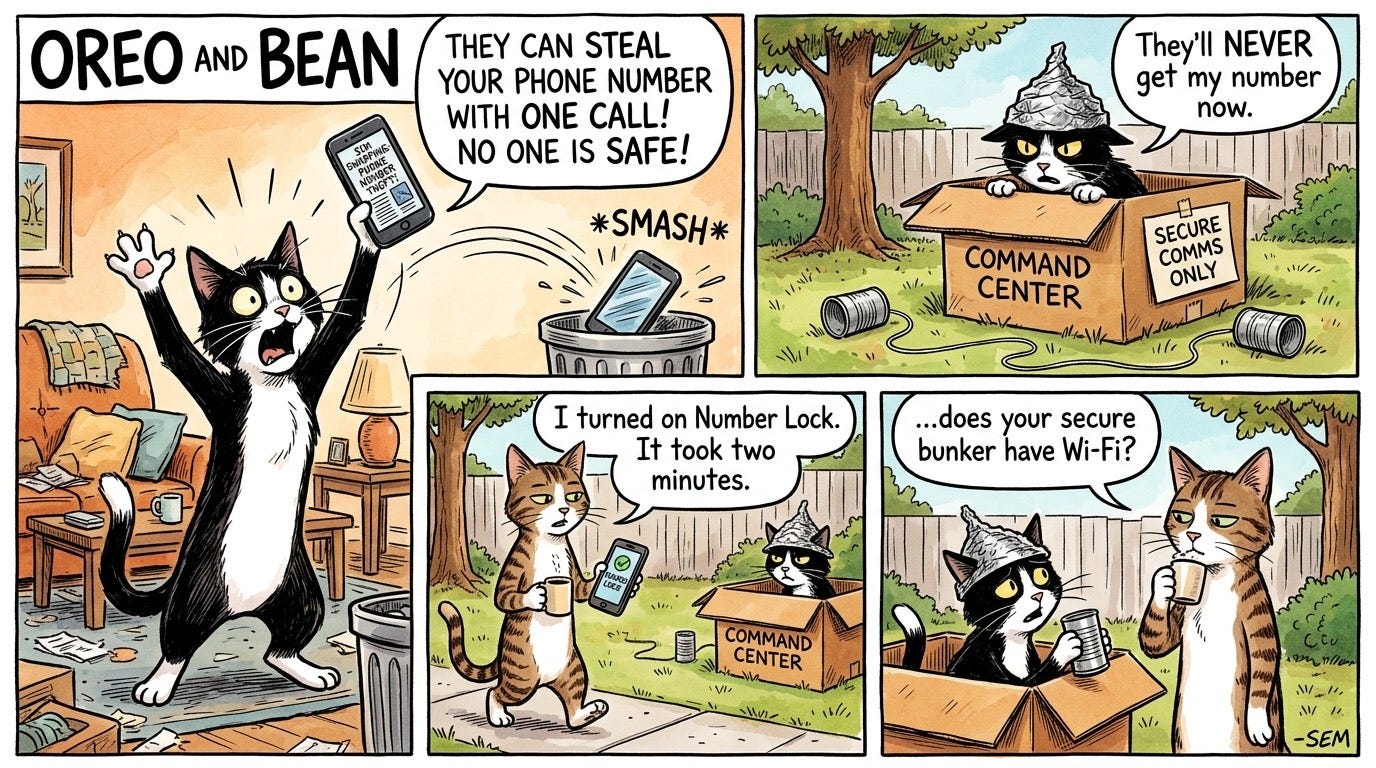
The good news: every major U.S. carrier now offers free tools to block this attack. The bad news: none of them are turned on by default.
What Can You Do?
Step 1: Lock Your Number (Do This Today)
Note: If you do switch carriers or upgrade your device, you will need to temporarily disable these protections first. Turn them back on as soon as the change is complete.
Verizon: My Verizon app > Account > Security Settings. Enable Number Lock(blocks port-outs to other carriers) and SIM Protection (blocks SIM swaps within Verizon). Both free.
T-Mobile: T-Life app > Account > Add-ons. Enable Port Out Protection. Free for all customers. You must add it to each line individually.
AT&T: myAT&T app. Enable Wireless Account Lock. Blocks port-outs and sensitive account changes.
Other carriers: Call and ask for both a port freeze (blocks transfers to other carriers) and a SIM lock (blocks device swaps within your carrier). You want both.
Then set a strong account PIN. Not your birthday. Not the last four of your SSN. A random 6 to 8 digit number stored in your password manager.
Step 2: Move Your Important Accounts Off SMS
SIM swapping only works because SMS verification codes travel with your phone number. Move these accounts to an authenticator app or passkey and the attack loses its power:
Email (Gmail, iCloud, Outlook). This is the master key. If an attacker controls your email, they can reset every other password.
Banking and financial accounts. Most major banks now support authenticator apps.
Cryptocurrency exchanges. The single highest-risk category for SIM swap theft.
Social media (Facebook, Instagram, LinkedIn).
What to use instead of SMS:
Best: Passkeys (Apple, Google, Microsoft) or a hardware security key like YubiKey. Phishing-resistant and immune to SIM swaps.
Good: An authenticator app (Apple Passwords, Google Authenticator, Microsoft Authenticator). Codes stay on your device.
Acceptable: SMS. Still better than nothing. If it is your only option, keep it on while you upgrade.
Step 3: Know the Warning Sign
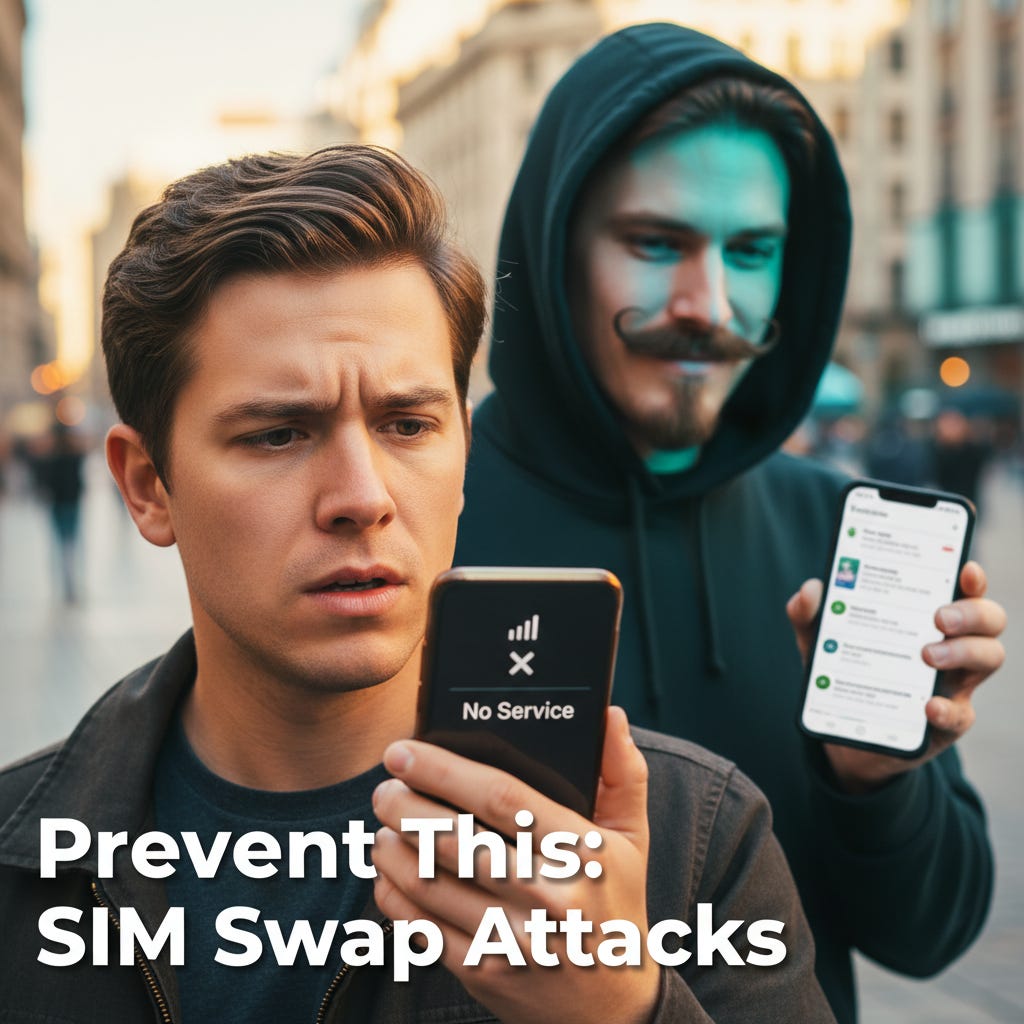
The first sign of a SIM swap is sudden loss of cell service. Your phone shows “No Service” or “SOS Only” for no apparent reason (I.E. you are in a place where you usually have strong service)
If this happens, treat it as an emergency:
Call your carrier immediately from another phone or over Wi-Fi. Tell them you suspect a SIM swap and ask them to investigate it.
If #1 confirms an attempted SIM Swap attack:
Call your bank and request a temporary freeze on transactions.
Change your email password from a device you control, before the attacker does.
Check for unauthorized activity on every account tied to your phone number.
The Bottom Line
SIM swapping is one of the few attacks where the victim does nothing wrong and still loses. You do not click a link, open an attachment, or visit a malicious website. Someone convinces your carrier to hand over your phone number, and your digital life follows.
The fix is free and takes 15 minutes:
Enable Number Lock and SIM Protection on your carrier account.
Set a strong, random account PIN.
Move your email and banking off SMS to an authenticator app or passkey.
Help one family member do the same this week.
The people who steal phone numbers are counting on you to put this off until tomorrow. Don’t.
If you or someone you know has been targeted:
FBI IC3: ic3.gov
FTC: ReportFraud.ftc.gov or 877-382-4357
Your carrier’s fraud department (call the number on the back of your bill, not a number from a text or email)
Your bank’s fraud line (call the number on the back of your debit or credit card)
Sources
FBI IC3, 2024 Annual Report (982 SIM swap complaints, $25.9M in losses)
FCC: SIM Swap and Port-Out Fraud Protection Rules (effective 2024)
Krebs on Security: Scattered Spider Member ‘Tylerb’ Pleads Guilty (April 2026)
10News San Diego: SIM Swapping Victim Gets $38,000 Back (Justin Chan case)
Fox News: SIM Swap Scam Drained Florida Woman’s Account (Patricia Escriva, May 2026)
NBC Miami: Woman Loses Life Savings in SIM Swap Scam (Wei Shen case)
Cifas (UK): National Fraud Database 2024 (1,055% YoY increase)