

Everyday Defenses - Smishing
What are Smishing Text Scams and How You Can Defend Against Them

Smishing: Why Text Message Scams Feel So Convincing
Smishing sounds silly, but it’s just text-message phishing. And it works because texts show up right next to your mom’s grocery reminder and your dentist’s appointment alert. That proximity makes them feel trustworthy.
The quick fix: stop, look, and don’t click — especially when a “bank” or “delivery company” wants you to tap a link right now.
Quick Fix / Patch Alert
The Problem: Scammers know we trust texts more than emails. So they impersonate banks, delivery services, or even IT departments. One link later, your credentials are gone or your phone is compromised.
Action Steps:
Pause before tapping links — legit companies don’t mind if you take a minute.
Go to the official app/site instead of clicking.
Turn on spam filtering (iPhone: Settings > Messages > Filter Unknown Senders; Android: Messages > Settings > Spam Protection).
Forward shady texts to 7726 (SPAM) to help carriers shut them down.
Never share personal info over SMS — no bank asks for your password in a text.
Golden Rule: urgency = red flag. If a text says “act now or else,” it’s probably fake.
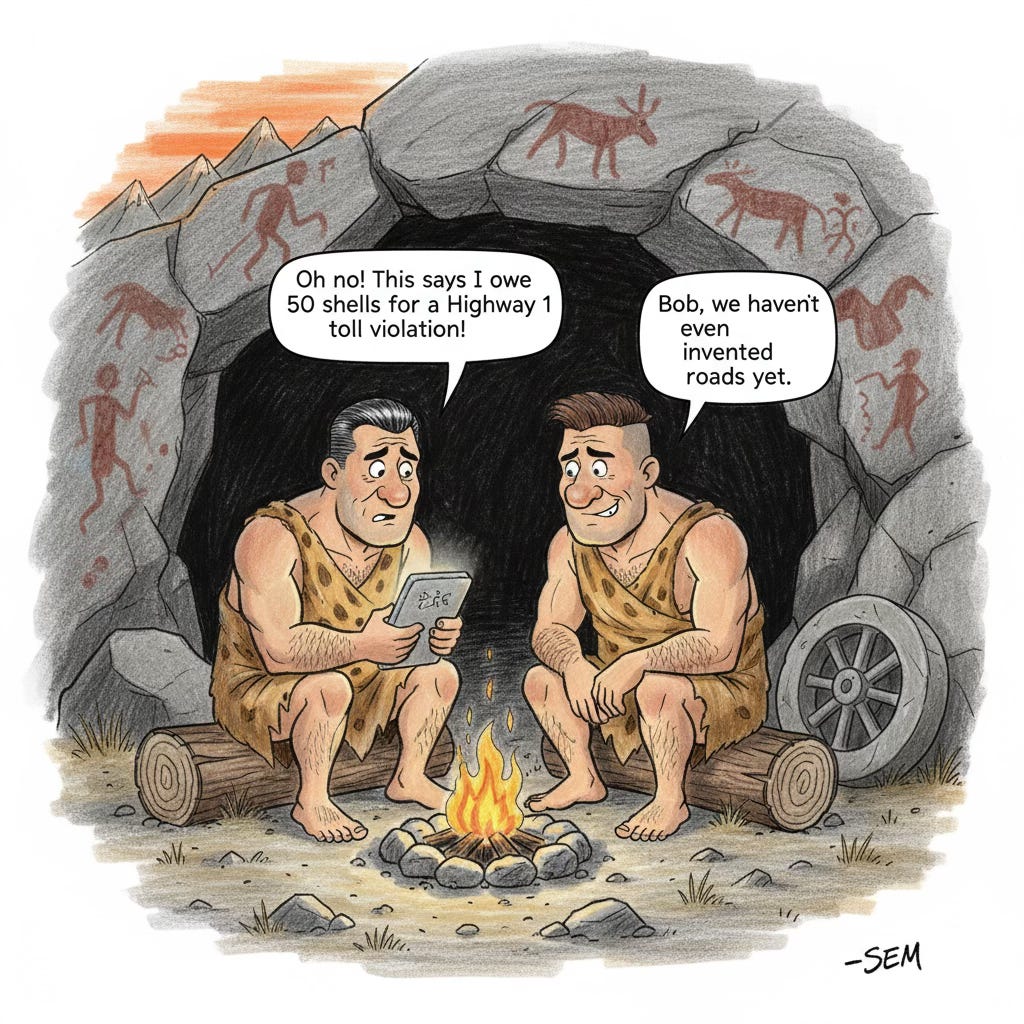
Explainer of the Week: How Smishing Works
Think of smishing as the glow-up of old “Nigerian prince” emails. The tricks are sharper, the timing is smarter, and the psychology is scarier.
Phase 1 – Setup: They scrape your name, workplace, or shopping habits from leaks, LinkedIn, or public records. Enough to make a text feel personal.
Phase 2 – Delivery: They time it to match reality: package “alerts” during holidays, fake bank fraud texts when the news is full of breaches, or spoofed IT updates during real maintenance windows.
Phase 3 – The Hook: They exploit urgency. “Your account’s locked,” “Update now,” “Confirm this.” A text hits harder than an email because we expect immediacy on that channel.
Behind the scenes, they’re hiding links with URL shorteners, spoofing (masquerading using) real phone numbers, and even using AI to generate convincing content. Worst part? They catch you when you’re distracted — in line at Starbucks, juggling kids, or between meetings.
Tool Spotlight: Built-in Defenses You’re Probably Not Using
iPhone: Settings > Messages > Filter Unknown Senders. Bonus: Silence Unknown Callers.
Android: Messages > Settings > Spam Protection → turn it on.
Third-party apps: RoboKiller (answer bots), Truecaller (crowdsourced blocking), Hiya (real-time scam warnings).
Pro move: some pros whitelist only known contacts and review the rest later. Extreme, but surprisingly manageable.
You don’t have to set up your own Fort Knox… just create enough friction that scammers move on.
Sector Highlight: Healthcare Under Attack
Healthcare workers are prime smishing targets. Why? They’re overloaded, decisions are urgent, and patient safety is always on the line.
Common scams:
Fake med recalls needing “immediate verification.”
Spoofed device updates.
Insurance “confirmation” requests.
Bogus COVID reporting alerts.
When staff click, it’s not just data loss… It’s delayed prescriptions, cancelled appointments, and compromised patient care. If nurses and doctors can fall for it under pressure, the rest of us definitely can.
Intruvent Edge
Smishing works because it hijacks our strengths: speed, responsiveness, and trust. The defense is simple: add speed bumps before you click.
Smishing shows how easy it is to fake trust with a simple text. Next week, we’ll dig into AI-generated images and deepfakes — how they’re already being used to manipulate people, and a few tricks for spotting what’s real.
On Thursday, our practitioner edition will drop a tighter round-up on what threat actors are doing right now, plus a couple of fresh IOCs for defenders who need the details.